Contact Inquiry
The Contact Inquiry page is the inbox for messages submitted through your public school website's contact form. Visitors and prospective families fill in their name, email, subject, and message on the website, and each submission arrives here for you to review and follow up on.
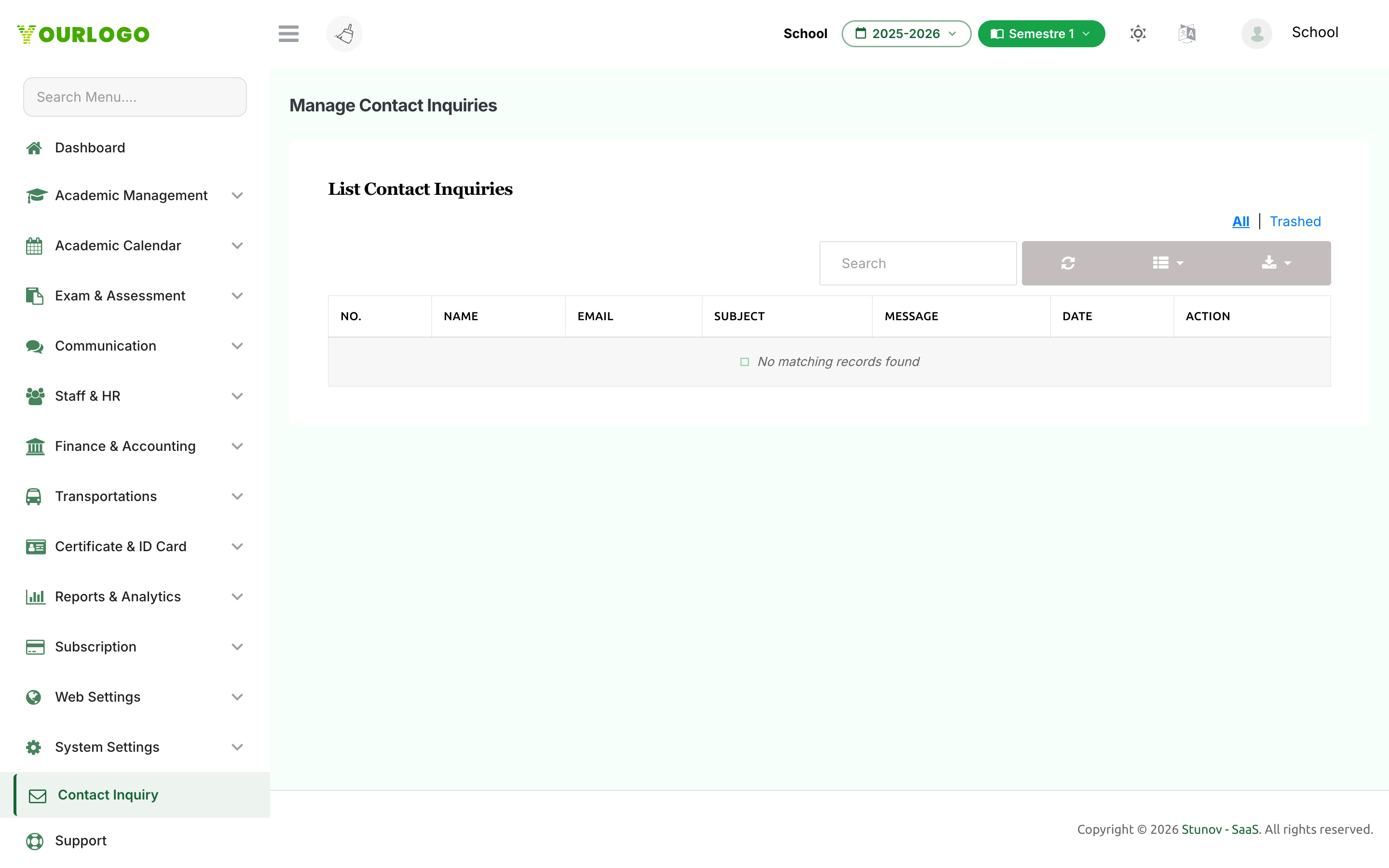
Contact Inquiry — every message submitted through the website contact form
Managing Inquiries
Open Contact Inquiry from the sidebar to see the list of submissions. Each row shows the inquirer's Name, Email, Subject, Message, and the Date received.
- Search by name or email to find a specific inquiry.
- View an inquiry to read its full message.
- Delete moves an inquiry to the trash; switch to the Trashed view to Restore it or delete it permanently.
- Export the list for follow-up outside the system.
Read and respond
Contact Inquiry is a review inbox — there is no built-in reply. Respond to inquirers using the email address or phone number they provided.