Fees Transaction Logs
The Fees Transaction Logs page records all online fee payment transactions processed through payment gateways (Stripe, Razorpay, Flutterwave, Paystack). Use this page to monitor payment statuses, troubleshoot failed transactions, and reconcile online payments.
This page only tracks online payment gateway transactions. Cash and cheque payments recorded manually on the Student Fees page are not displayed here.
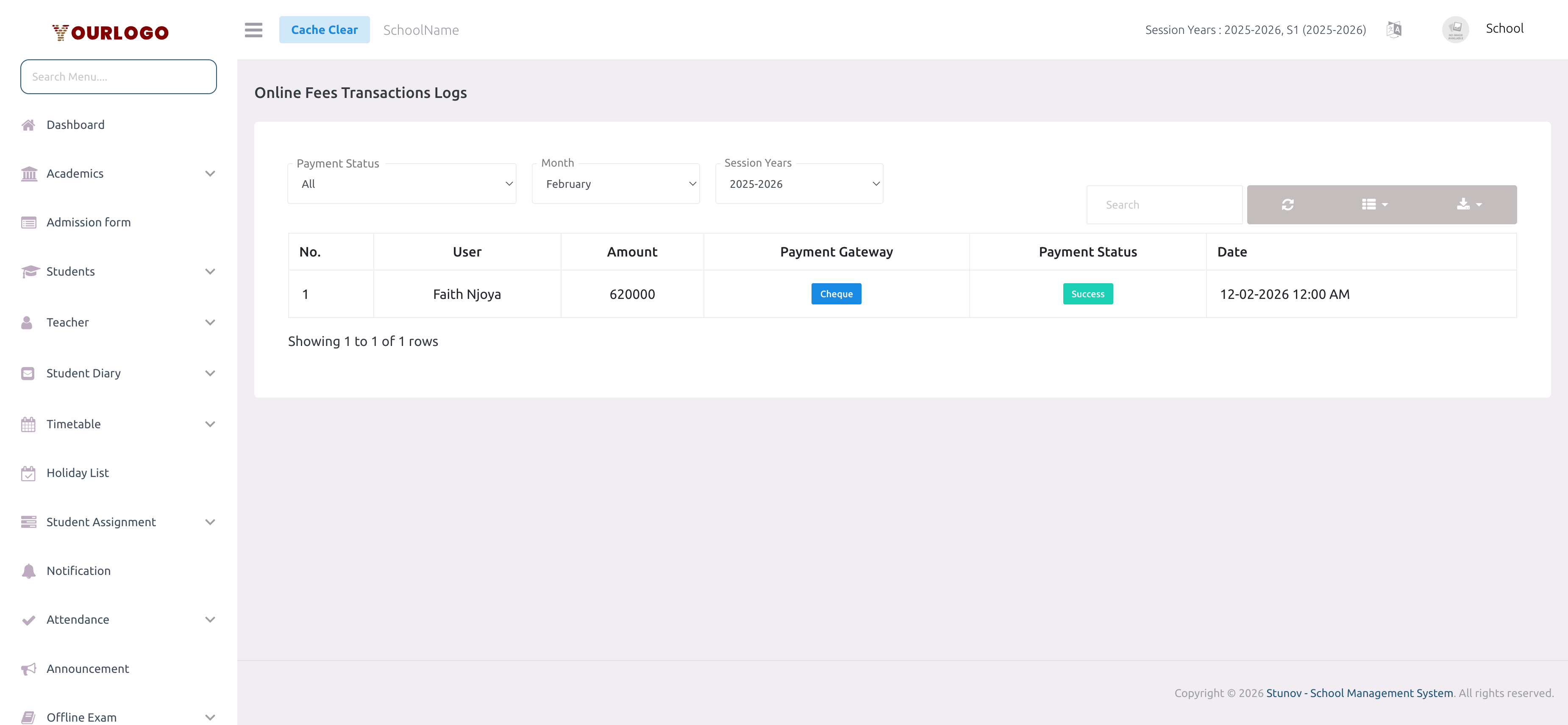
View Transaction Logs
Transaction List
The table displays all online payment transactions with user details, amounts, payment gateways (Stripe, Razorpay, Flutterwave, Paystack), status badges, order and payment IDs, and dates. Use the Search bar and Export features to manage the data.
Transaction statuses:
- Succeed — Payment successfully processed and fees marked as paid
- Failed — Payment declined or encountered an error — no fee recorded
- Pending — Payment initiated but not yet confirmed by the gateway
Failed transactions do not record any fee payment. If a student reports a payment was deducted but shows as Failed here, check the payment gateway dashboard directly and manually record the payment on the Student Fees page if needed.
Related Pages
- Student Fees — Manually collect offline payments and view student payment status
- Manage Fee — Configure fee structures and enable online payments
- Optional Fee — Track optional fee payments