Bulk Upload Teachers
The Bulk Upload feature lets you import multiple teachers at once using a CSV or Excel file. This is ideal for the start of a school year or when onboarding a large number of new teachers.
Always download the sample file from the system before preparing your data. It contains the exact column headers, formatting guidance, and any custom fields your school has configured.
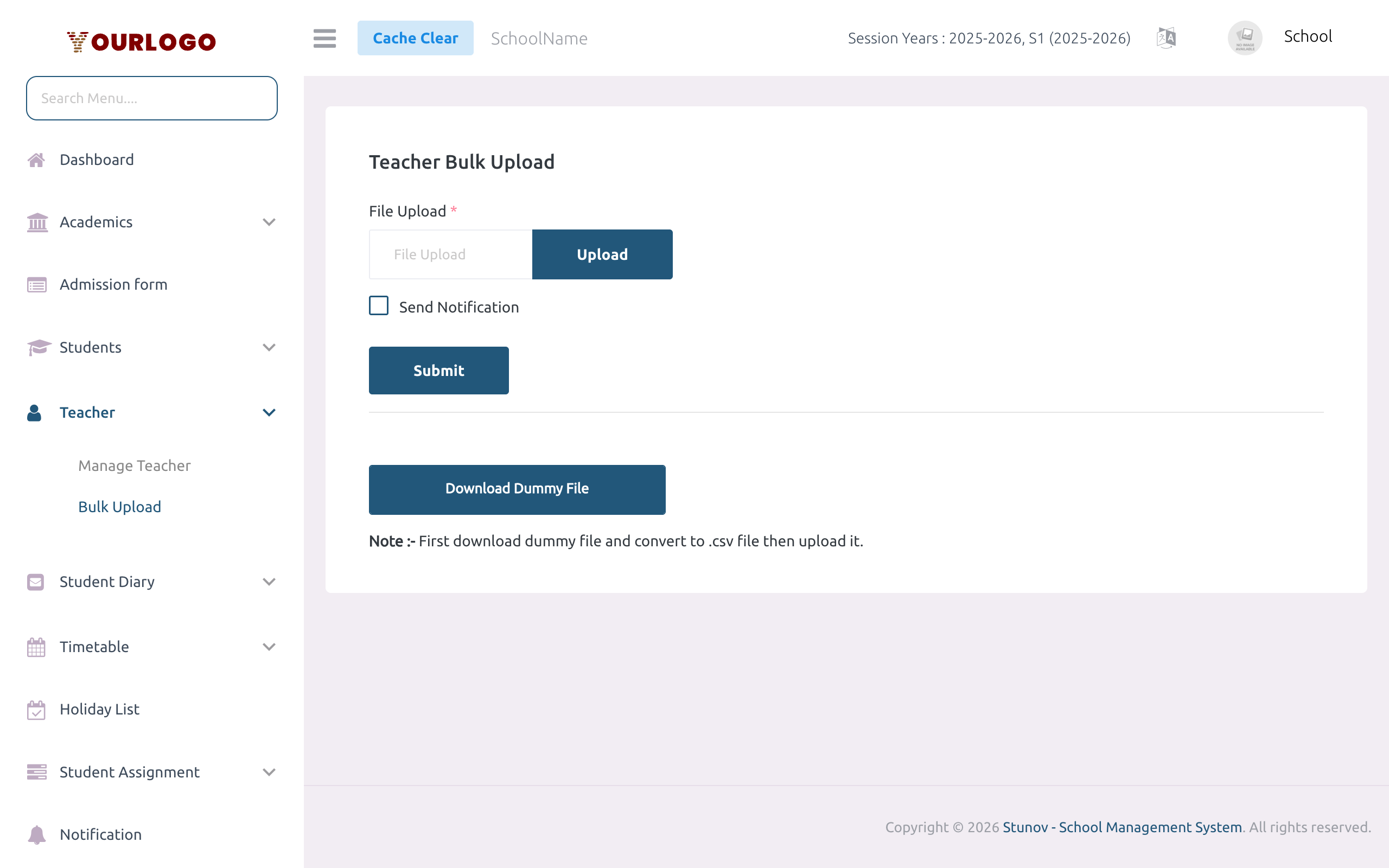
Upload Teachers
CSV File Format
The sample file contains the following required columns in order. All columns must be present even if some values are optional.
Required Columns
| Field | Type | Required | Description |
|---|---|---|---|
| first_name | Text | Required | Teacher's first name |
| last_name | Text | Required | Teacher's last name |
| mobile | Number | Required | Mobile number (1–16 digits). Also used as the default password. |
Email | Required | Unique email address. If this email already exists, the system updates the existing record instead of creating a new one. | |
| gender | Text | Required | Must be exactly "male" or "female" |
| dob | Date | Required | Date of birth in DD-MM-YYYY format (e.g., 15-06-1985) |
| qualification | Text | Required | Highest qualification (e.g., B.Ed, M.Sc) |
| current address | Text | Required | Current residential address (note: column header has a space) |
| permanent address | Text | Required | Permanent residential address (note: column header has a space) |
| salary | Number | Required | Base monthly salary amount |
Optional Columns
| Field | Type | Required | Description |
|---|---|---|---|
| joining_date | Date | Optional | Date of joining in DD-MM-YYYY format. Leave blank if unknown. |
Custom Field Columns
If your school has configured Custom Fields for teachers (user_type = Teacher), additional columns appear after the standard columns. Column names are the custom field names with spaces replaced by underscores.
If you created a custom field called "National ID Number", the CSV column header will be national_id_number.
Sample Data Row
| first_name | last_name | mobile | gender | dob | qualification | current address | permanent address | salary | joining_date | |
|---|---|---|---|---|---|---|---|---|---|---|
| Jean | Dupont | 1234567899 | [email protected] | male | 15-06-1985 | B.Ed | 123 Main St, Yaoundé | 456 Home Ave, Douala | 250000 | 01-09-2024 |
Important Notes
Teachers imported via bulk upload are created with Inactive status by default. You must manually activate each teacher from the Manage Teacher page after verifying their data. This is a safety measure to prevent accidental account activation.
If an email address in the CSV already exists in the system, the import updates the existing teacher's data instead of creating a duplicate. This means you can use the same file to correct data — just update the rows and re-upload.
The system checks your school's subscription staff limit before processing the import. If the total number of teachers (existing + new) exceeds your plan's limit, the import will be rejected. Upgrade your subscription plan or deactivate unused teacher accounts first.
Handling Errors
If the uploaded file contains errors, the system reports them after processing:
| Error Type | Cause | Solution |
|---|---|---|
| Missing required field | A required column is empty | Fill in all required columns |
| Invalid email | Email format is incorrect | Use a valid email format (e.g., [email protected]) |
| Invalid date | Date is not in DD-MM-YYYY format | Correct the date format |
| Invalid gender | Gender is not "male" or "female" | Use exactly "male" or "female" |
| Mobile too long | Mobile number exceeds 16 digits | Shorten the mobile number |
| Staff limit reached | Subscription plan limit exceeded | Upgrade plan or deactivate unused accounts |
Sample File Details
The downloaded sample Excel file has two sheets:
- Teacher Bulk Registration — Contains headers and one example row showing the correct format for each field
- Form Field Values — Lists acceptable values for dropdown, radio, and checkbox custom fields. Use these exact values in your CSV to avoid validation errors.
Related Pages
- Manage Teacher — Add teachers individually and manage existing accounts
- Custom Fields — Configure extra fields that appear in the bulk upload template
- Staff Management — Bulk upload for non-teaching staff