Chats & Notices
This area keeps you connected to the school: read school-wide announcements on the Notice Board, browse the child's teachers, and chat directly with teachers and staff.
The numbered screens below walk through this page — each section references them by number.
For parents, chats and the teacher directory are scoped to the child you opened from My Children, so you message the right child's teachers.
Notice Board
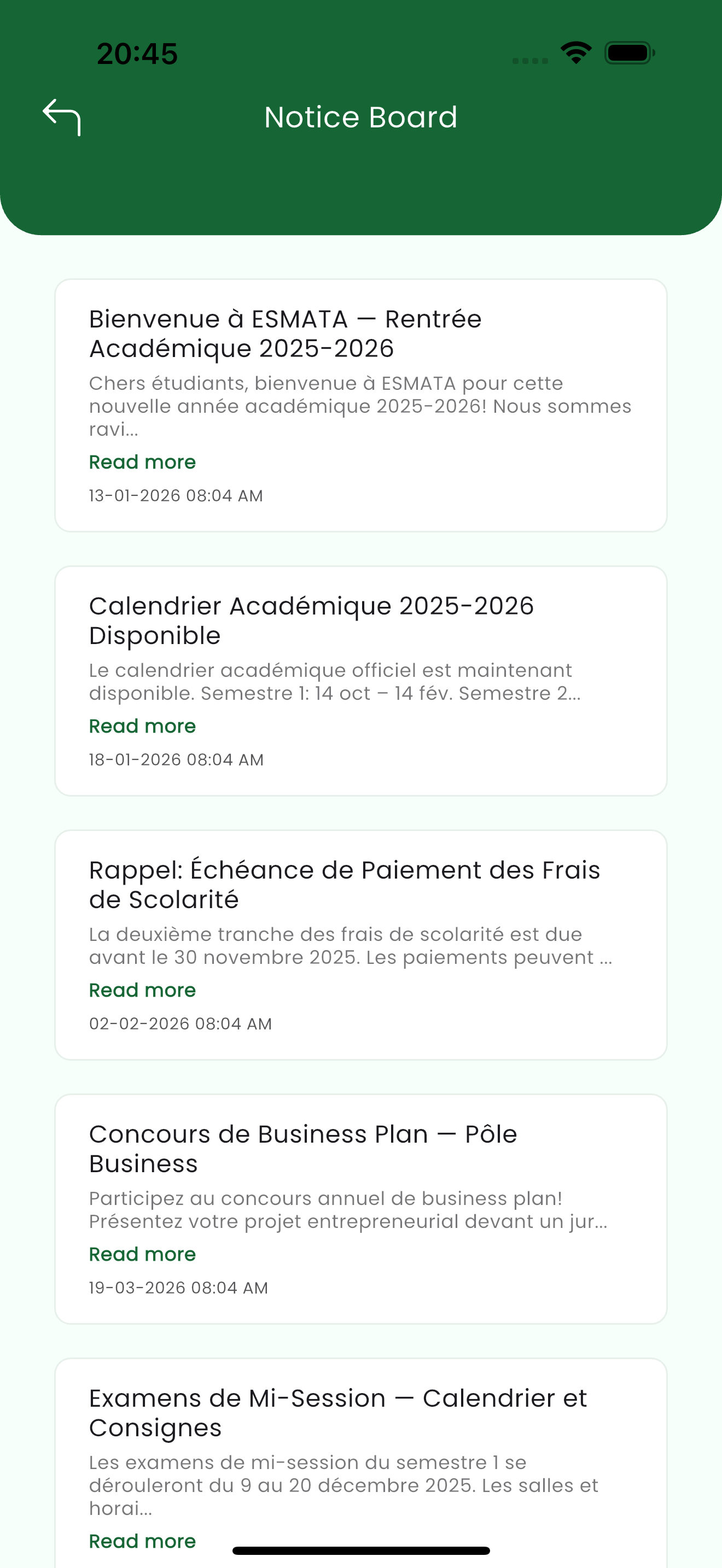
The Notice Board carries the school's announcements — newest first. Each notice shows its title, a preview, and the date it was posted; tap Read more to open the full text. (see 1)
Teachers
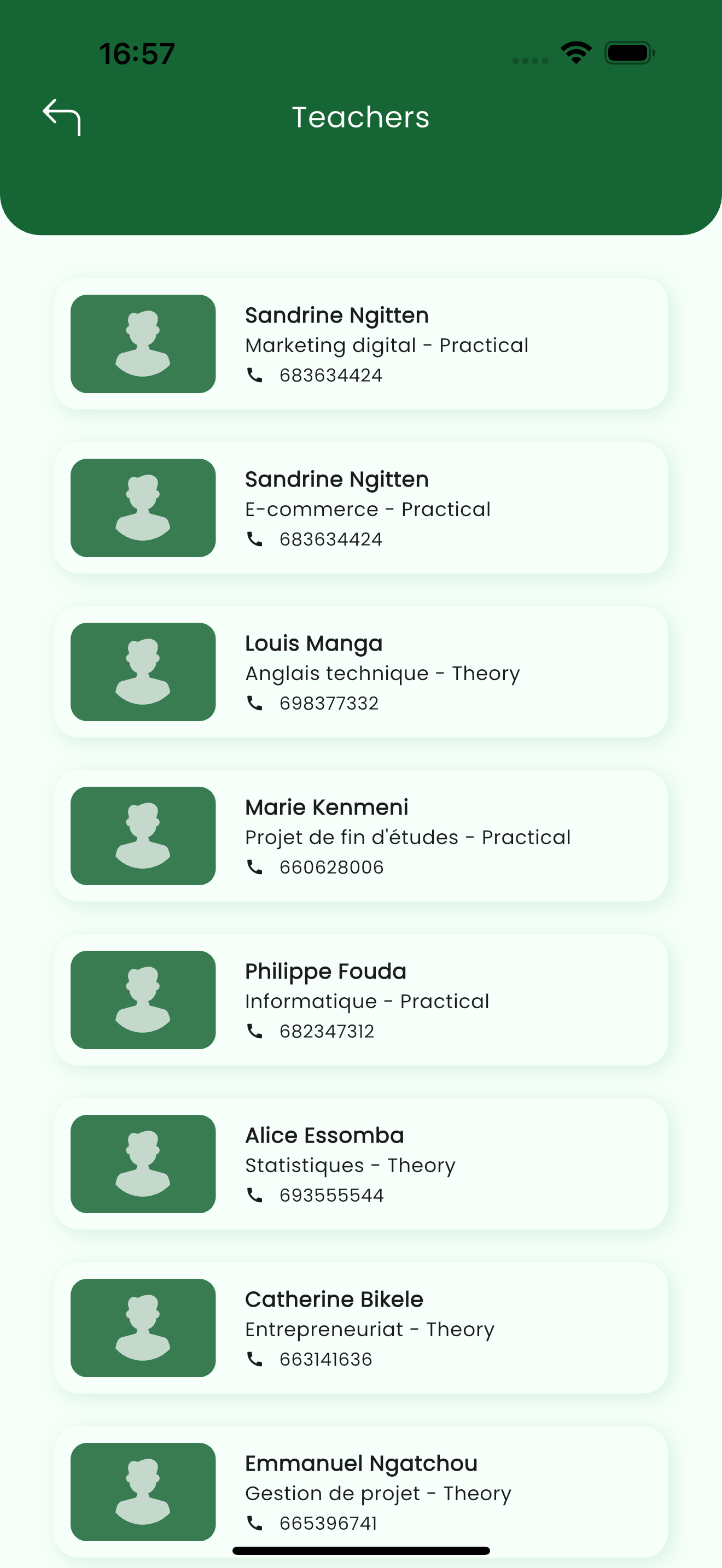
The Teachers directory lists the child's teachers with the subject they teach and a contact number, so you know who to reach about each subject. (see 2)
Chats
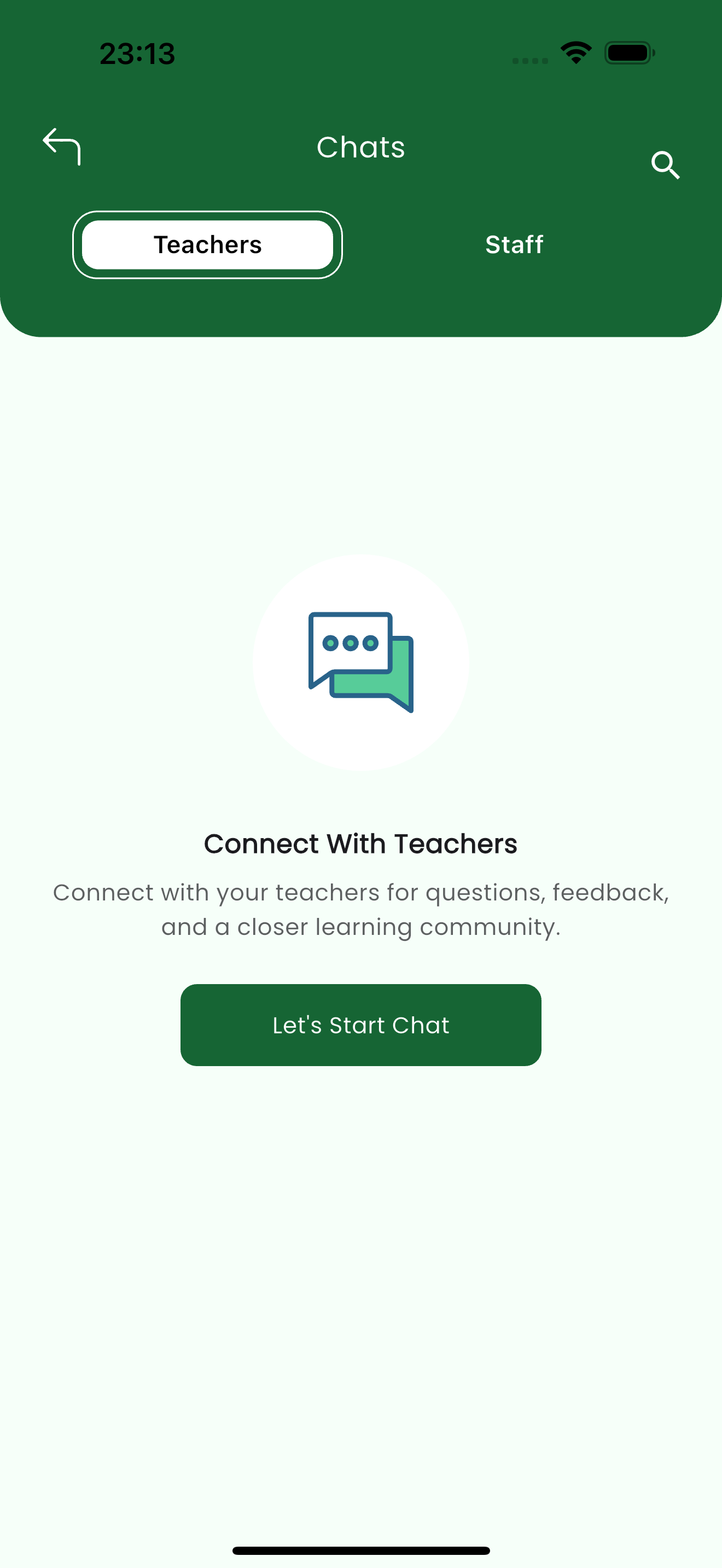
The Chats screen lets you start a conversation. It is split into Teachers and Staff tabs so you can reach the right person. (see 3)
Contacts
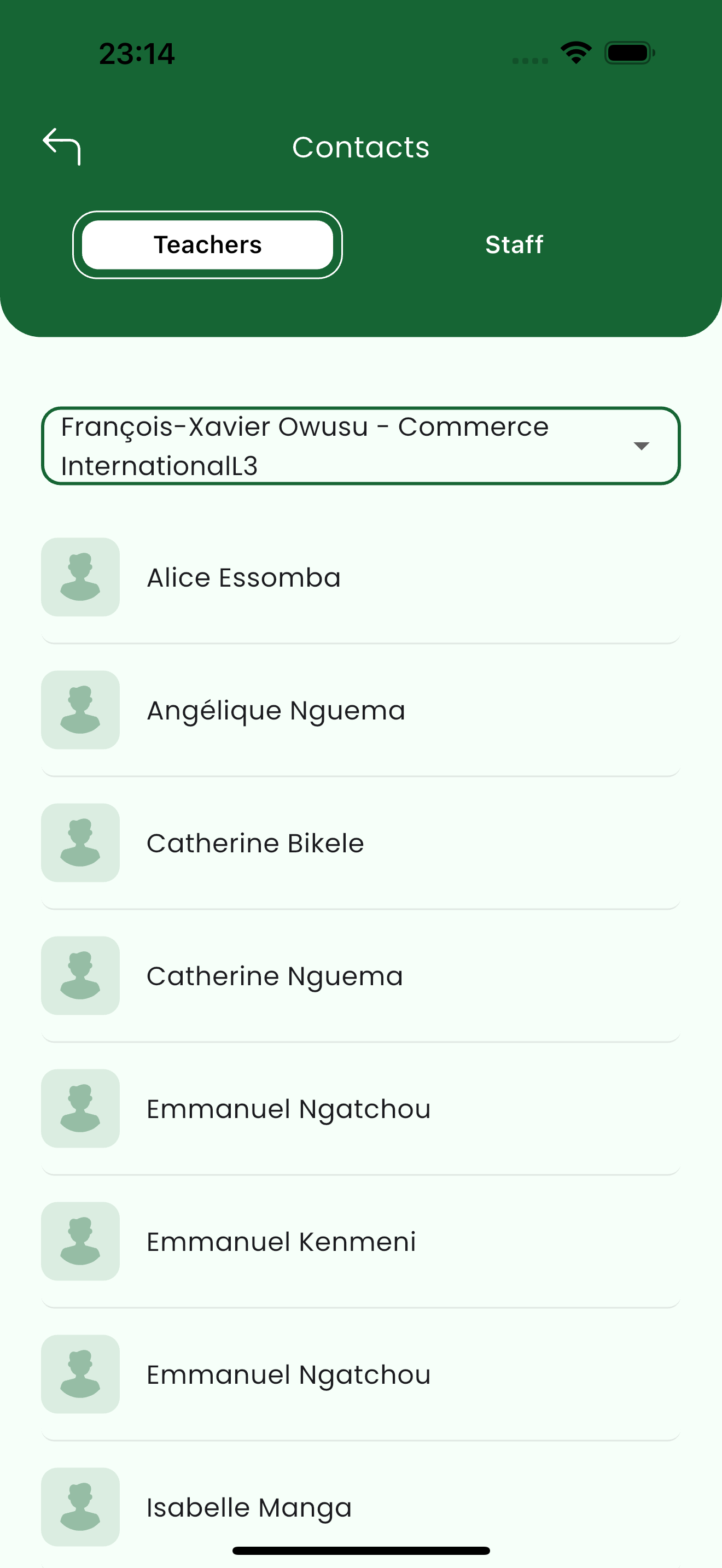
The Contacts list shows everyone available to message for the selected child, with a child selector at the top so a parent can switch which child's contacts they are viewing. (see 4)
A conversation
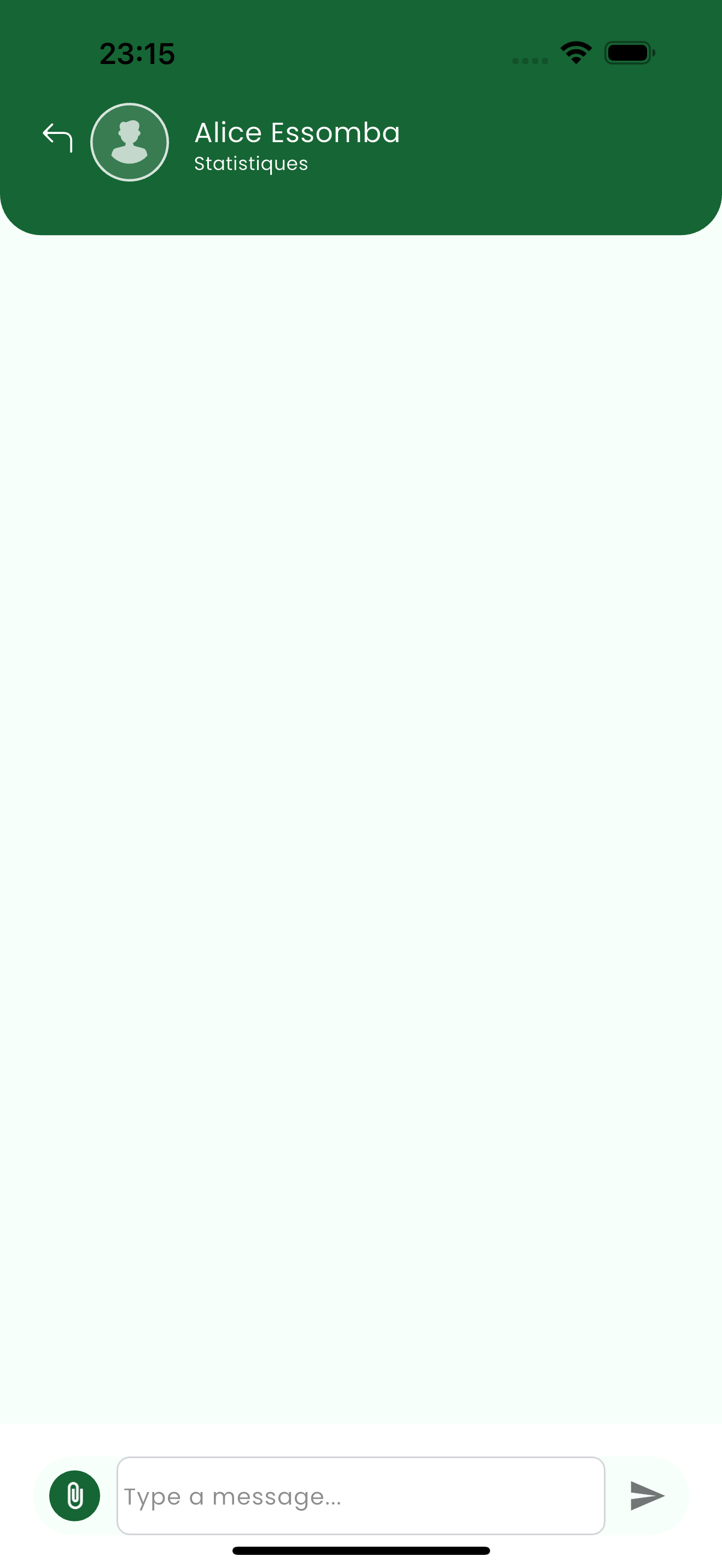
Opening a contact shows the conversation thread, with the person's name and subject at the top, a message box, and an attachment button for sharing files. (see 5)
Related pages
- Getting Started — sign in and open a child
- Academics — message a teacher about an assignment or result
- Attendance — follow up on an absence with a teacher