Assignments
The Assignments section lists the coursework set for your class, lets you submit your work, and tracks everything you have already submitted. Assignments are organized into two tabs — Assigned and Submitted — and can be filtered by subject, searched, and sorted.
The Assignments section appears only when the school has enabled Assignment Management.
Assigned work
The Assigned tab shows open assignments. Each card includes the subject, the assignment title and description, the points available, the created date, and the due date.
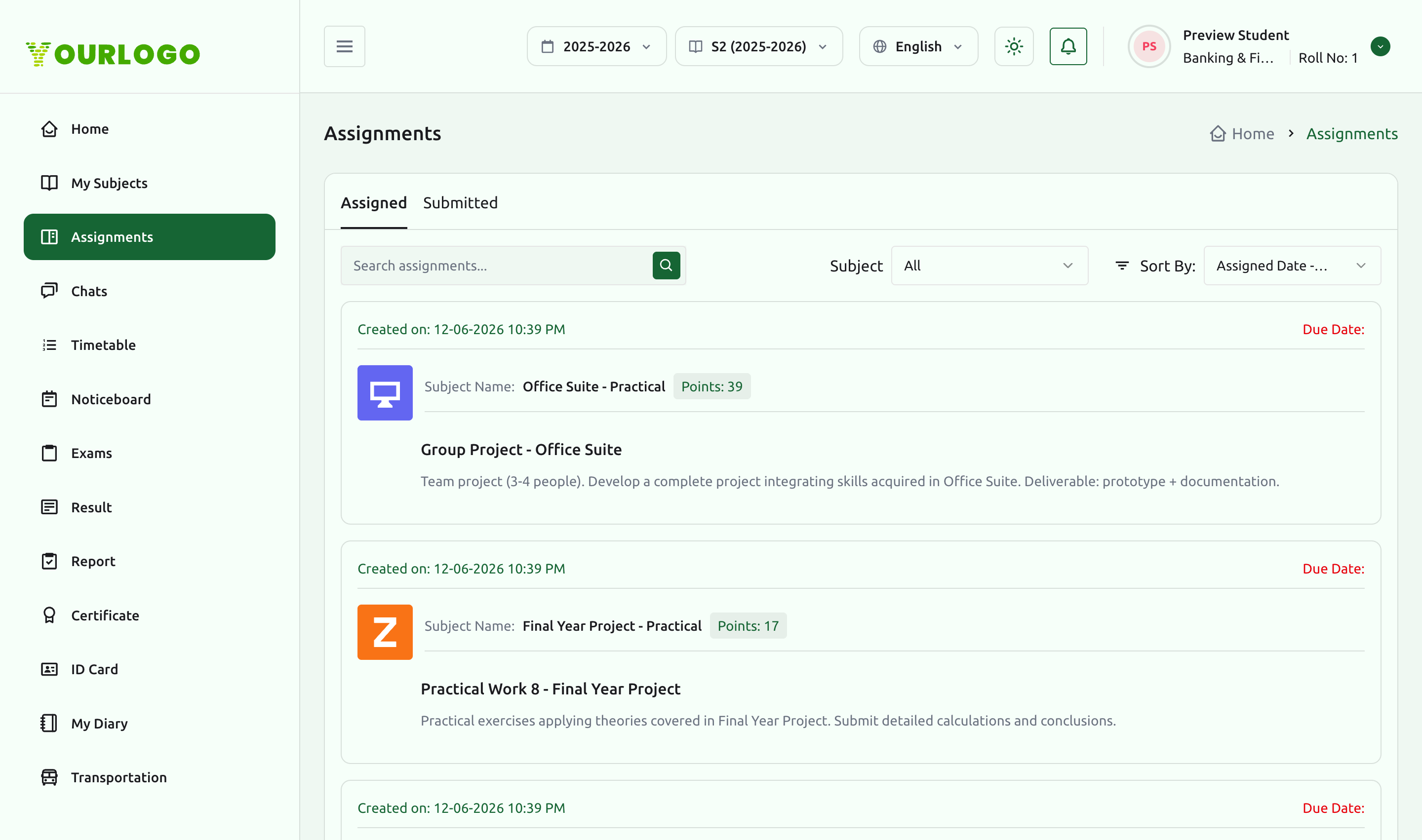
Use the controls at the top of the list to narrow things down:
| Control | Purpose |
|---|---|
| Assigned / Submitted | Switch between open assignments and your submissions. |
| Search | Find an assignment by title. |
| Subject | Filter to a single subject (or All). |
| Sort By | Order by assigned date (latest/oldest) and similar options. |
Submitting an assignment
Open an assignment to reveal its Upload Assignment action, then attach your file to submit.
Each card shows a due date. Submit before it passes — late submissions may be flagged or blocked depending on your school's settings.
Tracking submissions
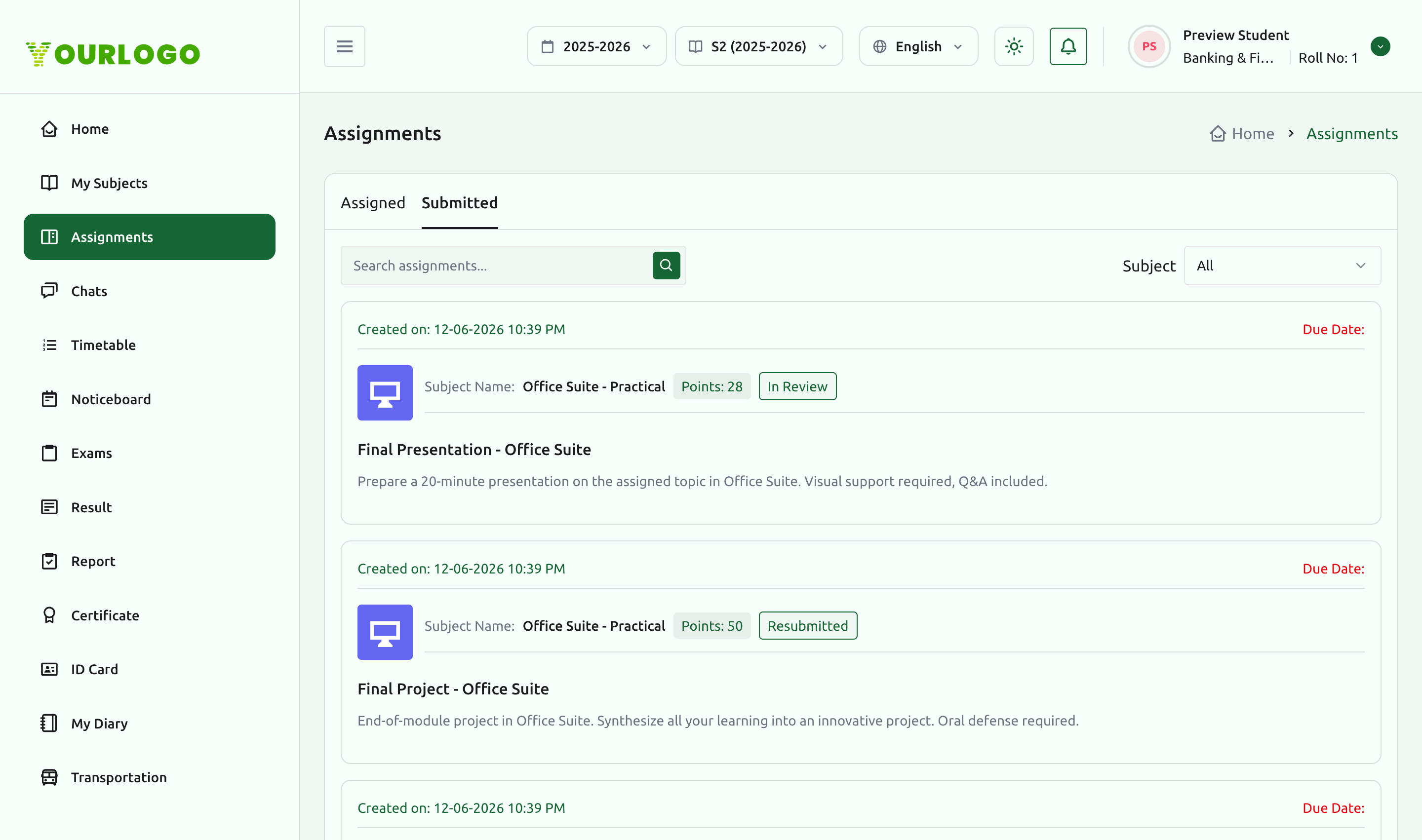
The Submitted tab lists the assignments you have turned in, each with its points and a status such as In Review. Once a teacher grades your work, the awarded points appear here, and your overall standing is summarized on the Report view.
Related pages
- Subjects & Lessons — the subjects assignments belong to
- Exams & Results — exams, results, and the consolidated report
- Chats & Notices — message a teacher about an assignment