Exams & Results
This area covers everything assessment-related in the portal across three sidebar entries:
- Exams — upcoming and completed exams, both offline (in-class) and online.
- Result — your marks for online and offline assessments, with a per-question breakdown.
- Report — a consolidated, per-subject view of your assignments and online-exam performance.
Exams and Result appear when Exam Management is enabled. Report appears when either Exam Management or Assignment Management is enabled.
Exams
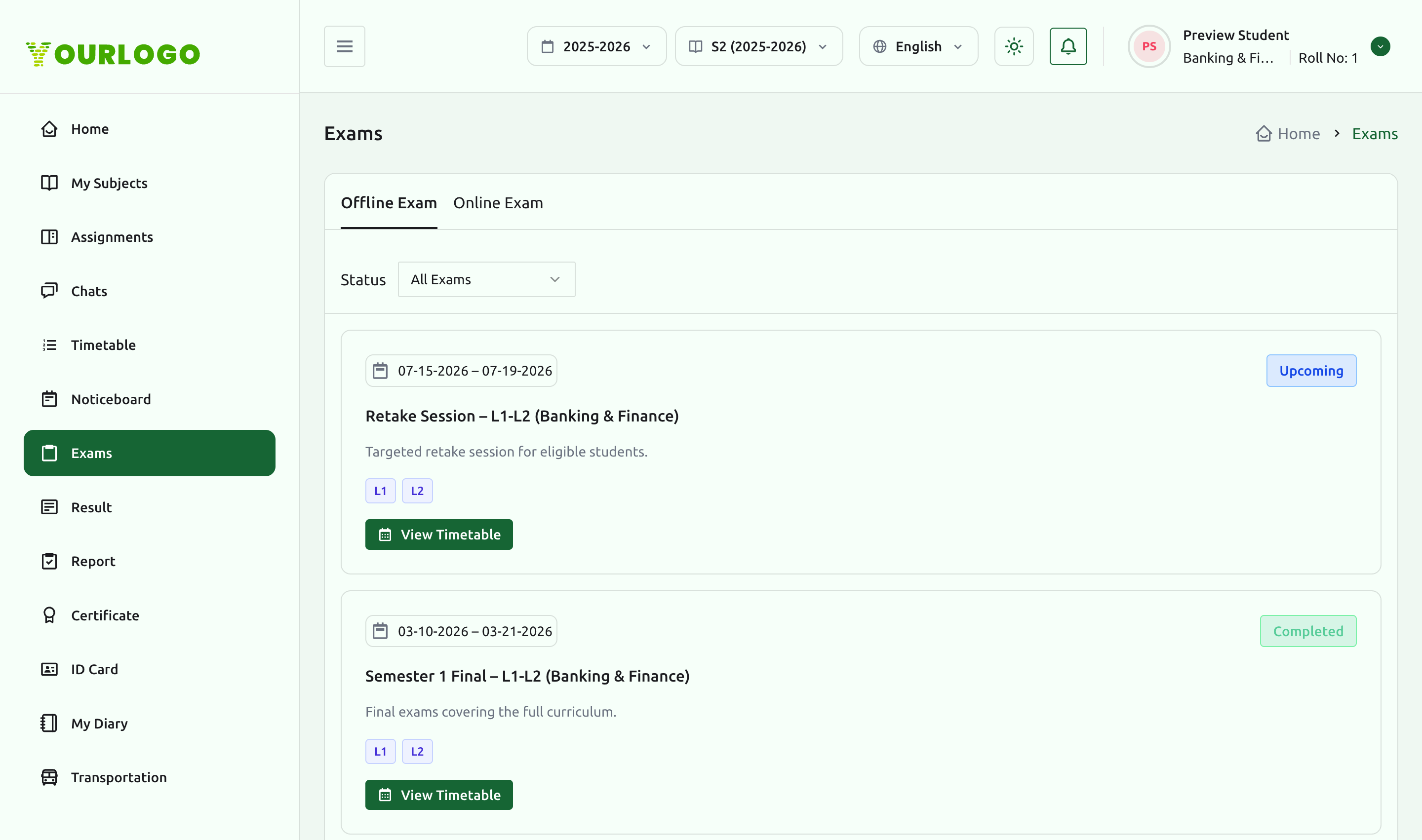
The Exams page has an Offline Exam and an Online Exam tab, plus a Status filter (e.g. All, Upcoming, Completed).
Offline exams
Offline exam cards show the exam name, date range, status, and the levels/classes covered, with a View Timetable action for the exam schedule.
Online exams
The Online Exam tab lists exams you take in the browser. Each card shows the subject, exam title, total marks, the available window, and a Start Exam action. You can also filter by subject.
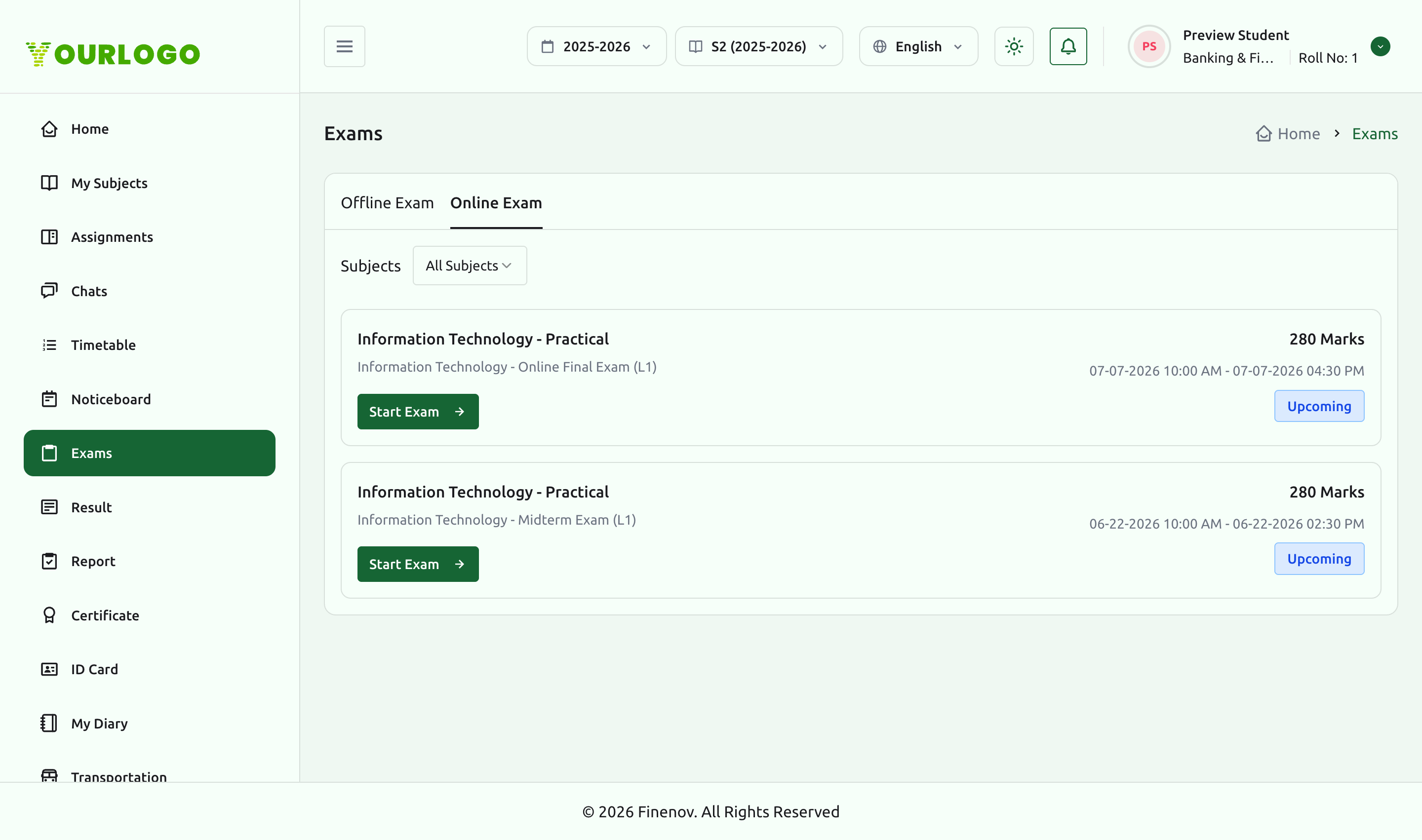
Online exams are only available during their scheduled window. Make sure you have a stable connection before you click Start Exam.
Result
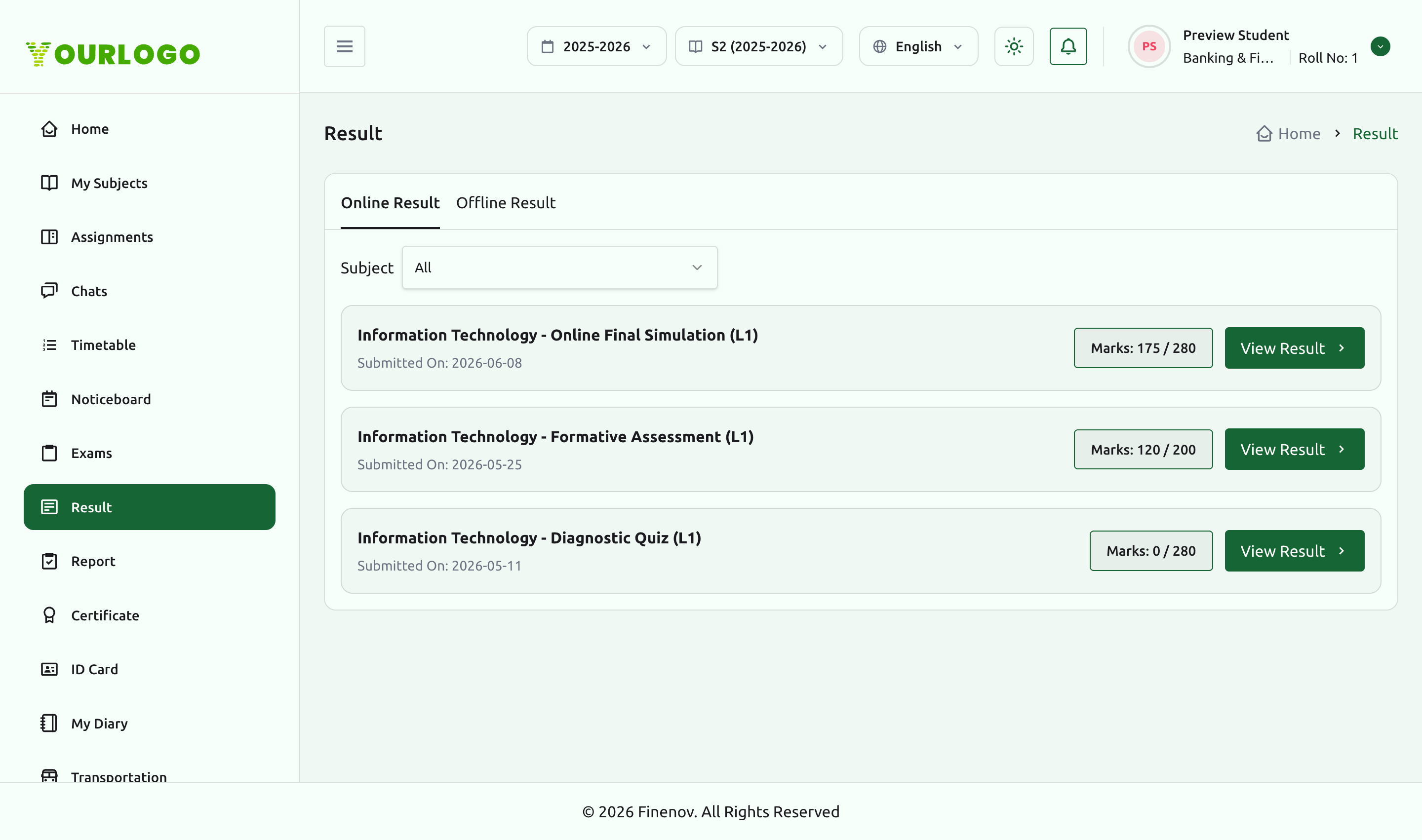
The Result page mirrors exams with Online Result and Offline Result tabs and a subject filter. Each entry shows the assessment name, the date submitted, and your marks out of total, with a View Result action.
Per-question breakdown
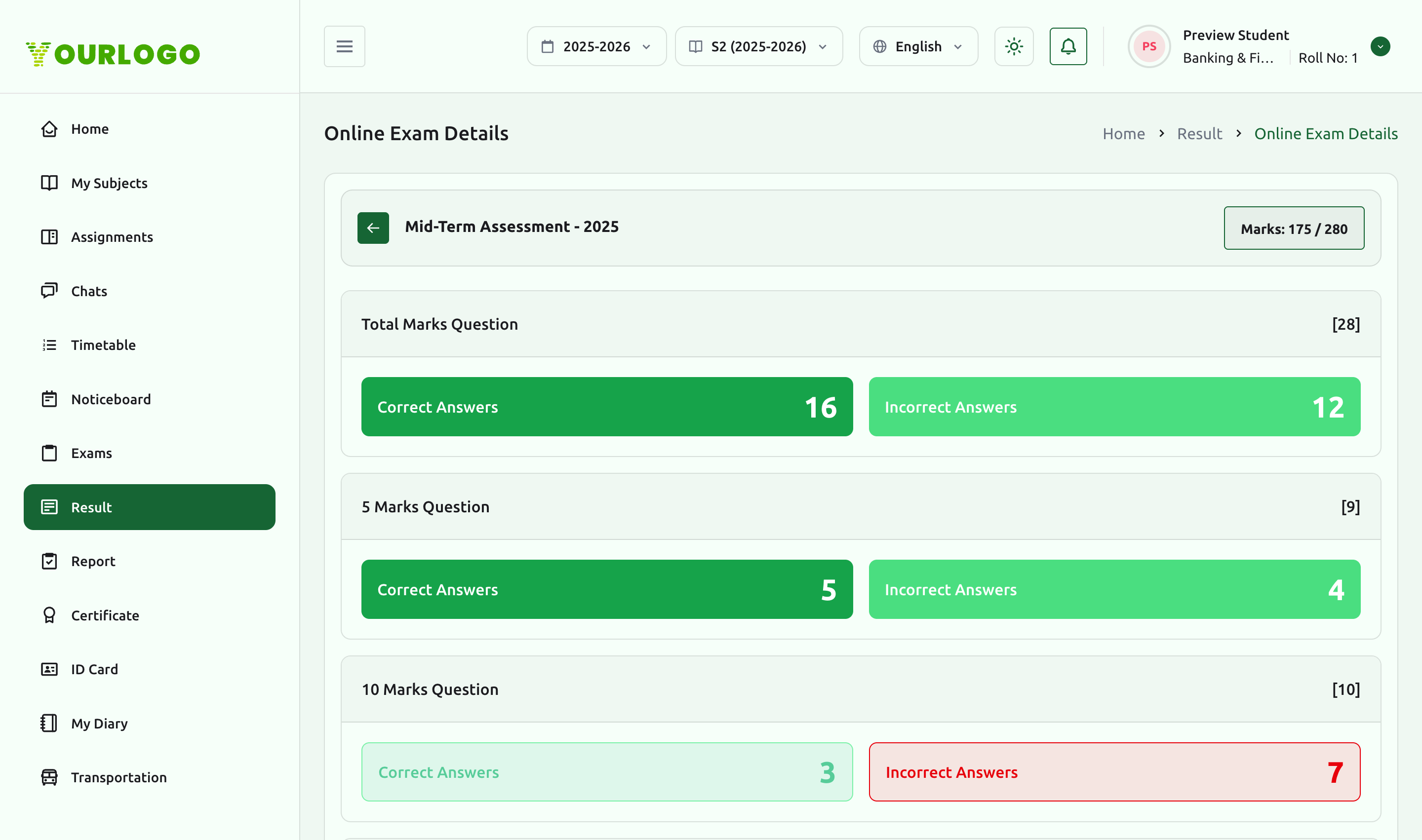
View Result on an online exam opens a detailed breakdown: your total marks, and per question-group counts of correct and incorrect answers.
Report
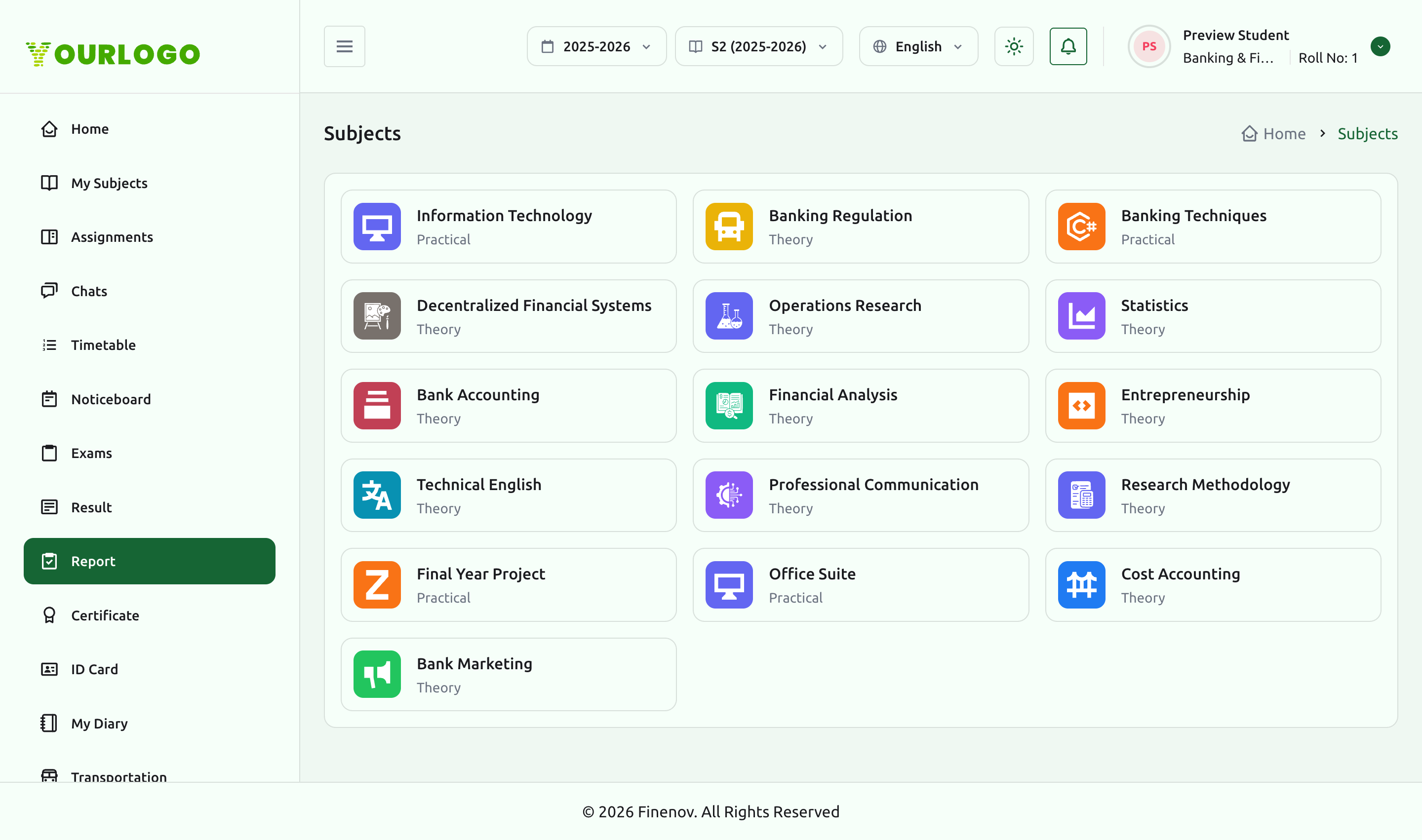
The Report page presents one card per subject. Open a subject to see a consolidated view of your performance, split into Assignment and Online Exam tabs.
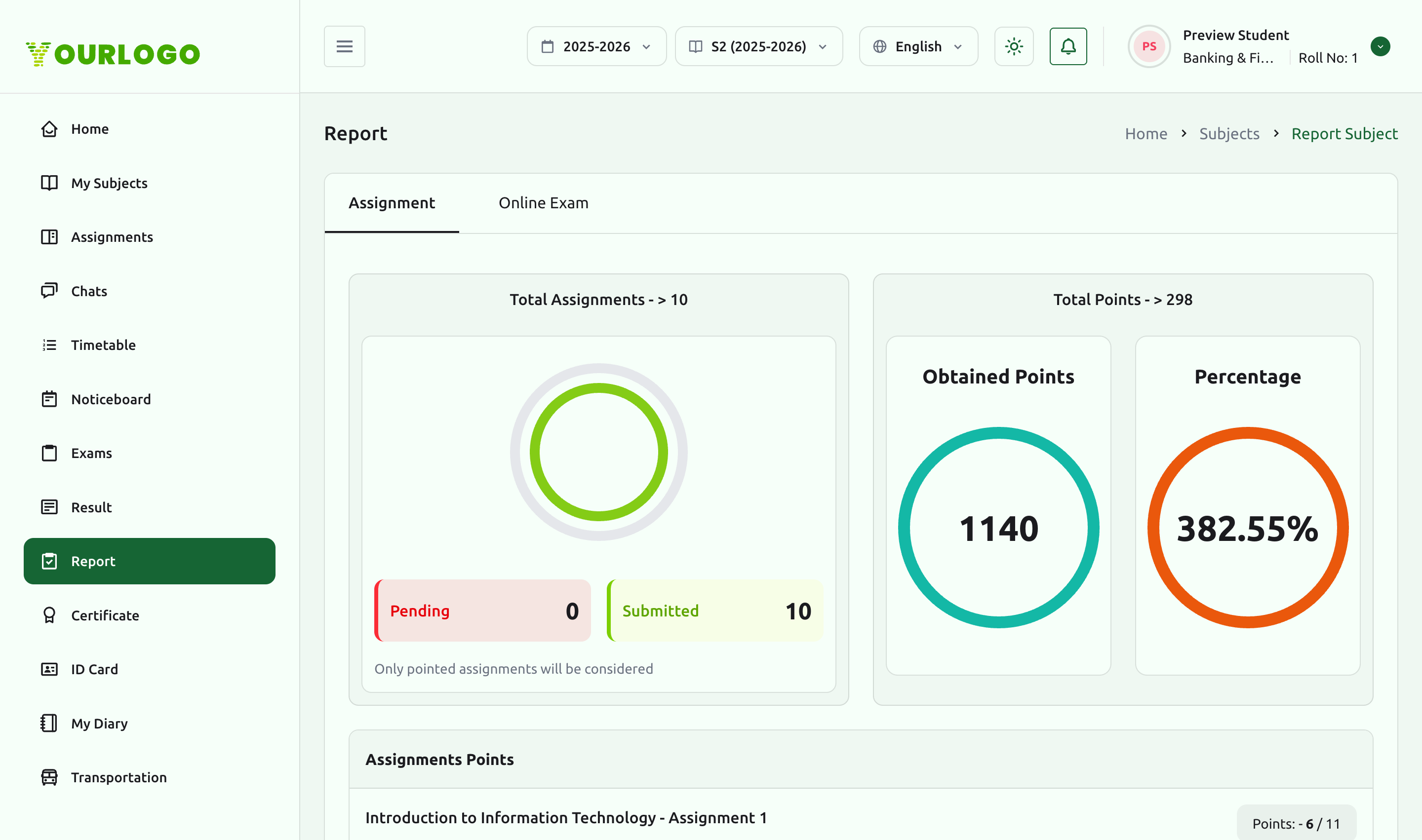
A subject report summarizes totals — assignments pending vs. submitted, total and obtained points, and an overall percentage — followed by the per-item points that make up the figure.
Related pages
- Assignments — submit coursework that feeds the report
- Subjects & Lessons — the subjects exams and results belong to
- Attendance & Timetable — exam-day schedules sit alongside your timetable