Attendance & Timetable
This page covers three time-based views in the portal: your attendance record, your weekly timetable, and the school holiday calendar. All three respect the active session year and semester selected in the top bar.
Attendance
Your attendance appears as a month calendar with each day marked present or absent, and running Total Present / Total Absent counts below. A compact version is on the Dashboard; use the month arrows to move between months.
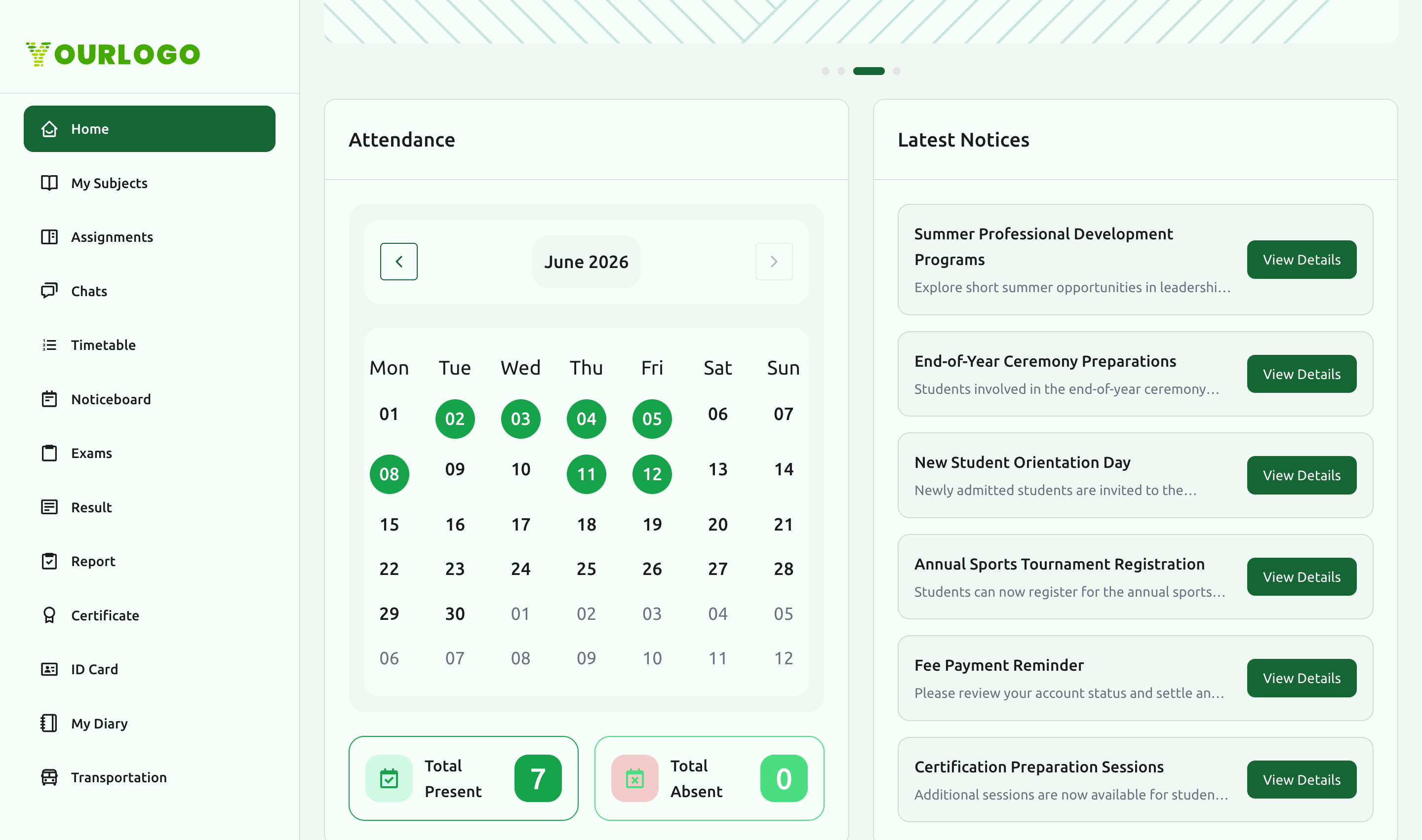
The attendance calendar is shown when Attendance Management is enabled for your school.
Timetable
The Timetable page shows your weekly class schedule, laid out Monday to Sunday. Each period shows its time slot, the subject (color-coded), and the teacher.
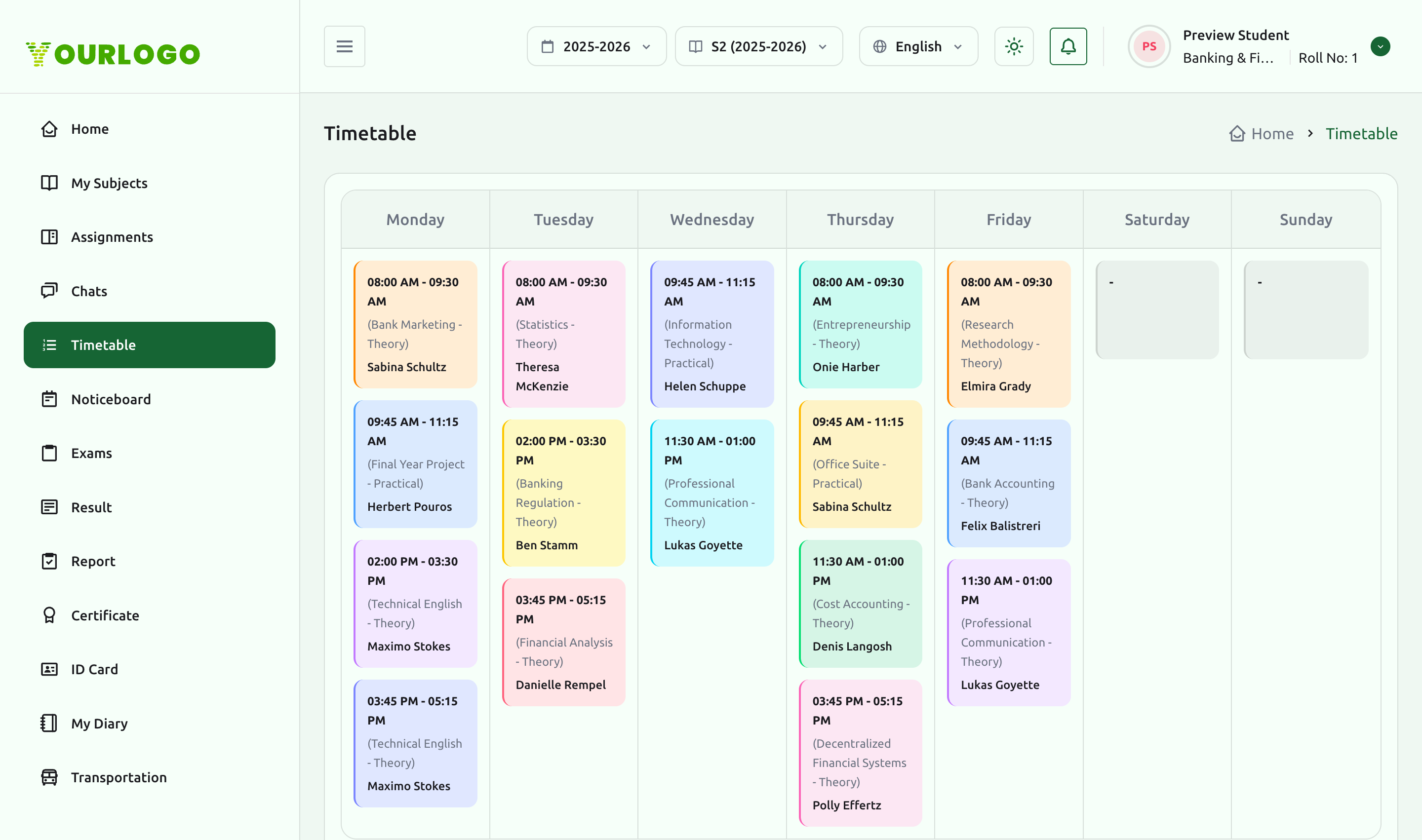
The Timetable section appears when Timetable Management is enabled. Days with no classes (for example weekends) appear empty.
Holiday
The Holiday page shows the school's holiday calendar for the selected period — a month view that marks holiday dates, with the holiday names listed alongside.
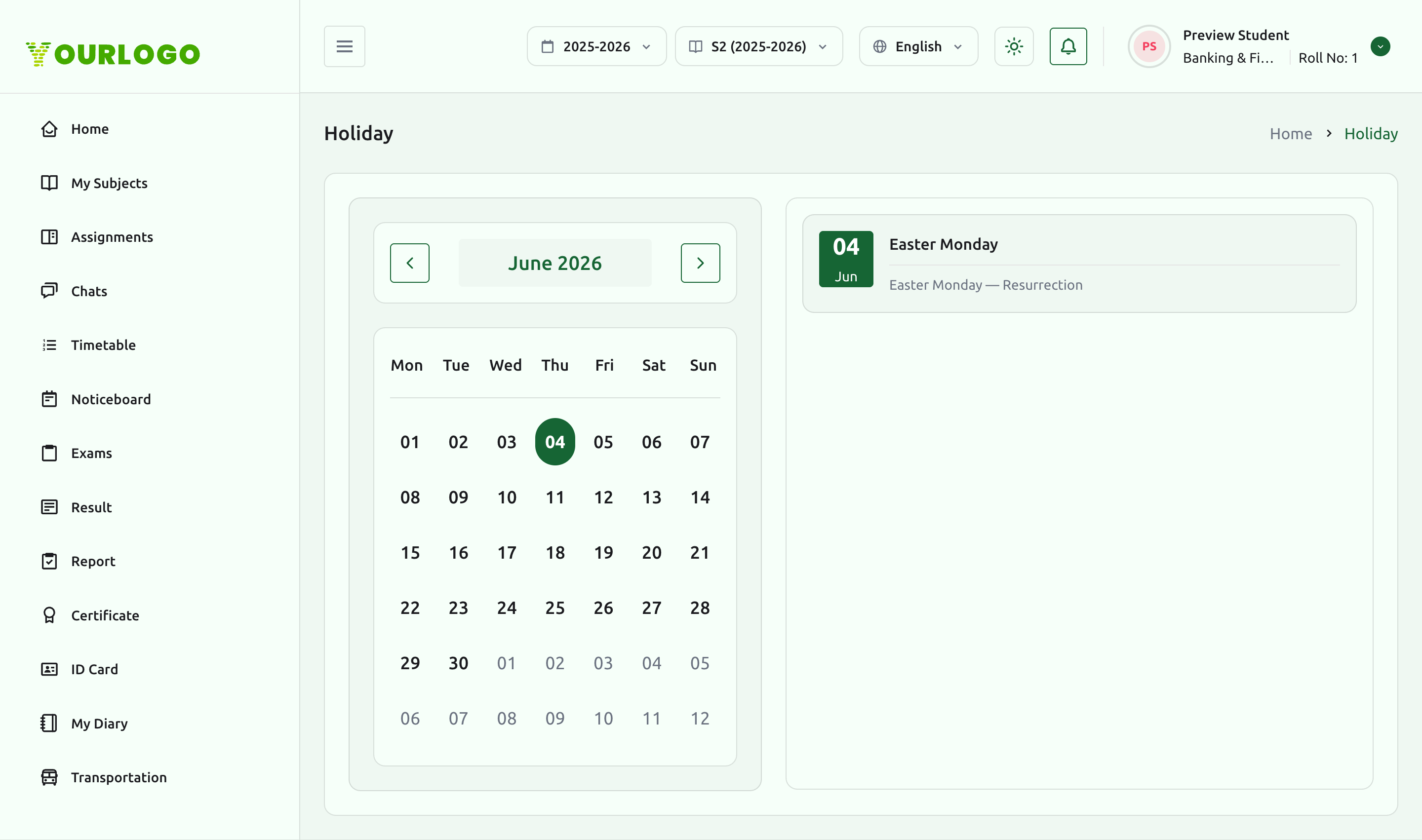
The Holiday section appears when Holiday Management is enabled.
Related pages
- Student Portal Overview — the dashboard attendance widget
- Exams & Results — exam timetables sit alongside your class schedule
- Viewing & Session Context — switching the session year/semester