Chats & Notices
The portal's communication tools keep you connected with your school: Chats for direct messaging, the Noticeboard for announcements, My Diary for teacher remarks, and Notifications for alerts.
Chats
The Chats page is a two-pane messenger: a contacts list on the left and the conversation on the right. Select a contact to start chatting. When you have no conversations yet, the portal prompts you to start a new one.
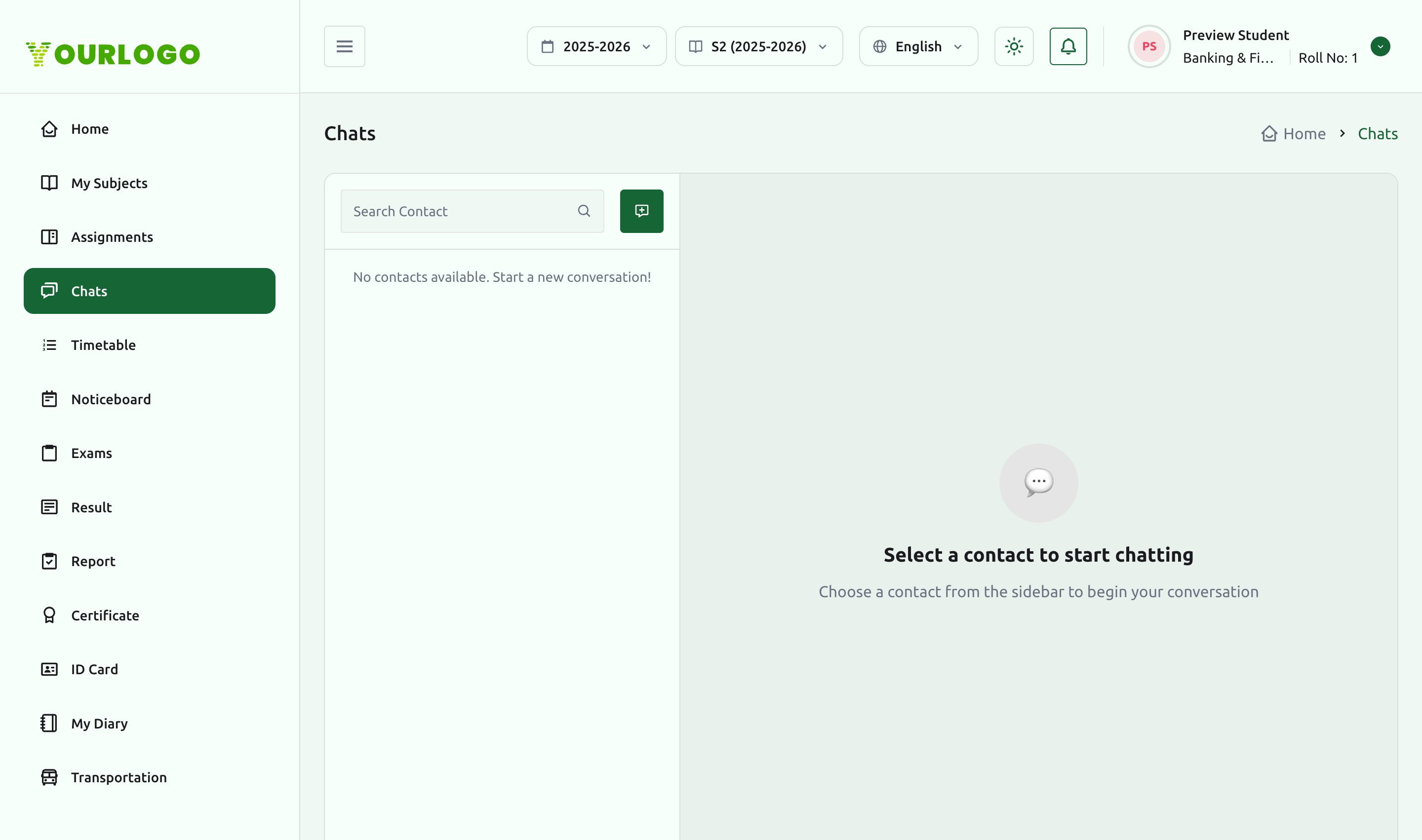
The Chats section appears when the Chat Module is enabled for your school.
Noticeboard
The Noticeboard lists the school's announcements with their titles and descriptions. The most recent few also appear in the Latest Notices panel on the dashboard.
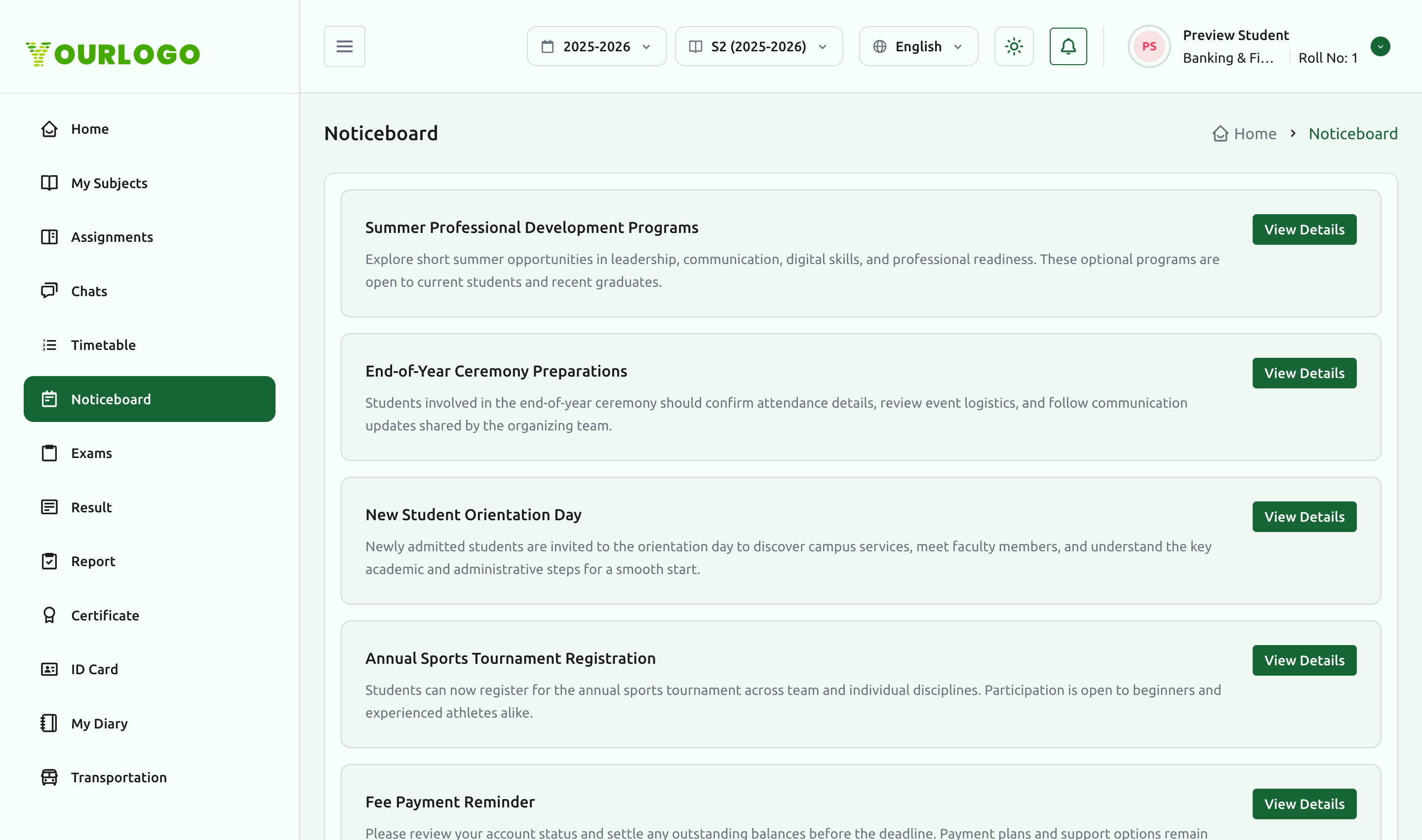
The Noticeboard and Notifications appear when Announcement Management is enabled.
My Diary
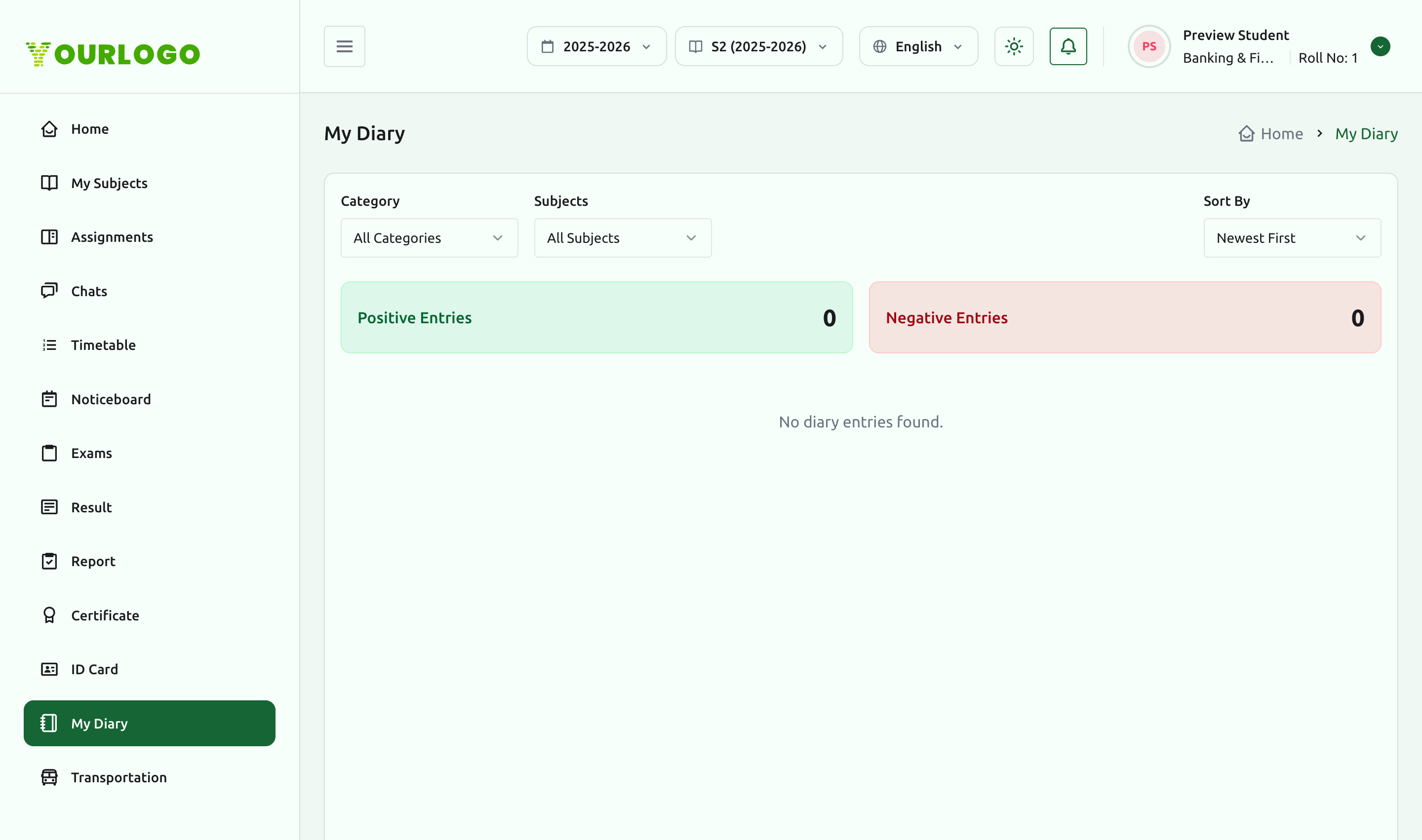
My Diary collects teacher remarks recorded against you. You can filter by category and subject and sort entries, with a running count of positive and negative entries at the top.
Notifications
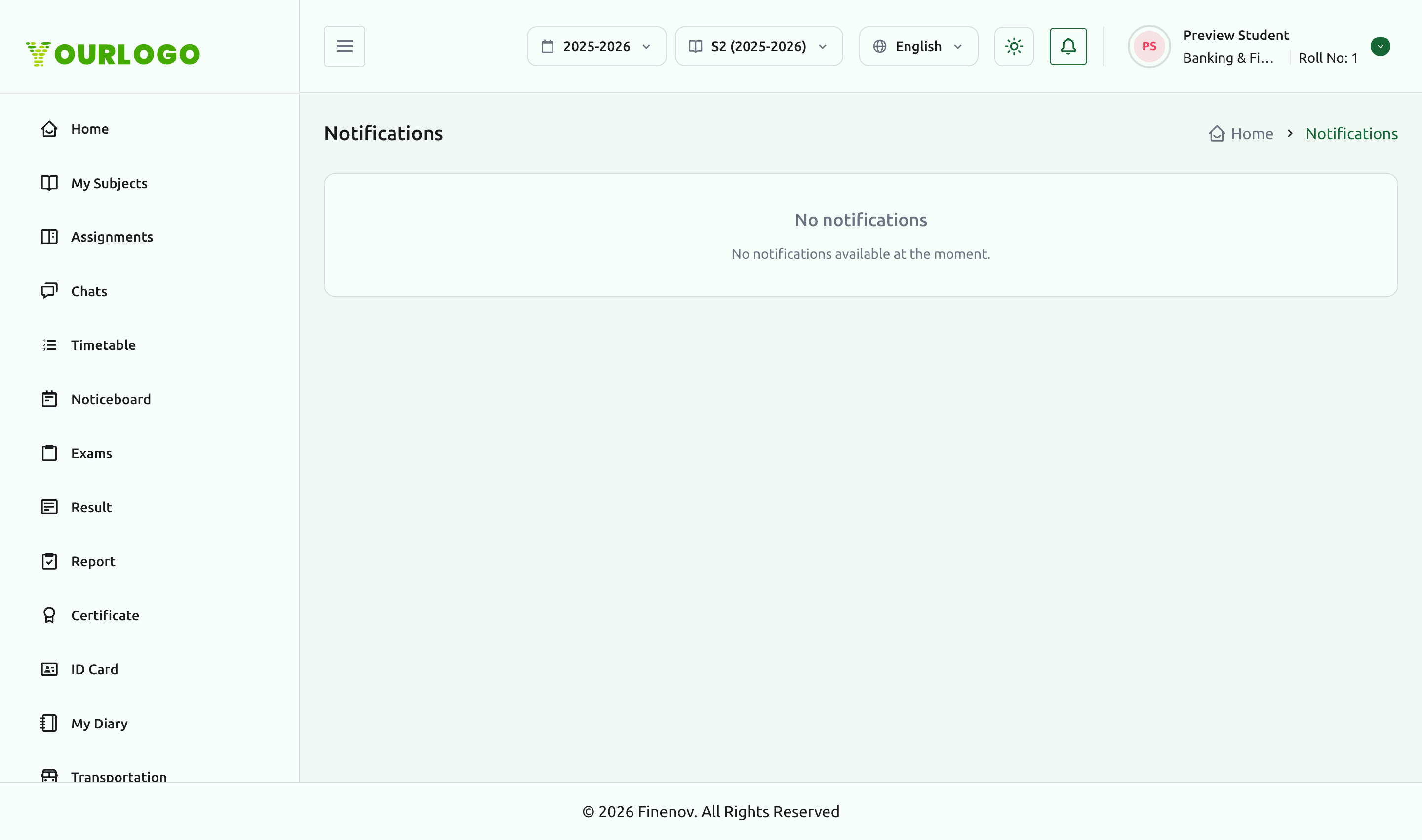
The Notifications page lists alerts pushed to you — announcements, reminders, and similar updates. When there is nothing new, it shows an empty state.
Related pages
- Student Portal Overview — the dashboard's Latest Notices panel
- Assignments — message a teacher about coursework
- Profile & Certificates — guardian and contact details