Subjects & Lessons
My Subjects is where you follow the academic content for your class. Each subject opens into its chapters (lessons), and every chapter contains topics with descriptions and any study materials your teachers attach. Where your class offers electives, the portal also prompts you to choose your elective subjects.
The My Subjects section appears only when the school has enabled Academics Management.
Your subjects
Open My Subjects from the sidebar to see every subject assigned to your class, each shown with its icon, name, and type (Theory or Practical).
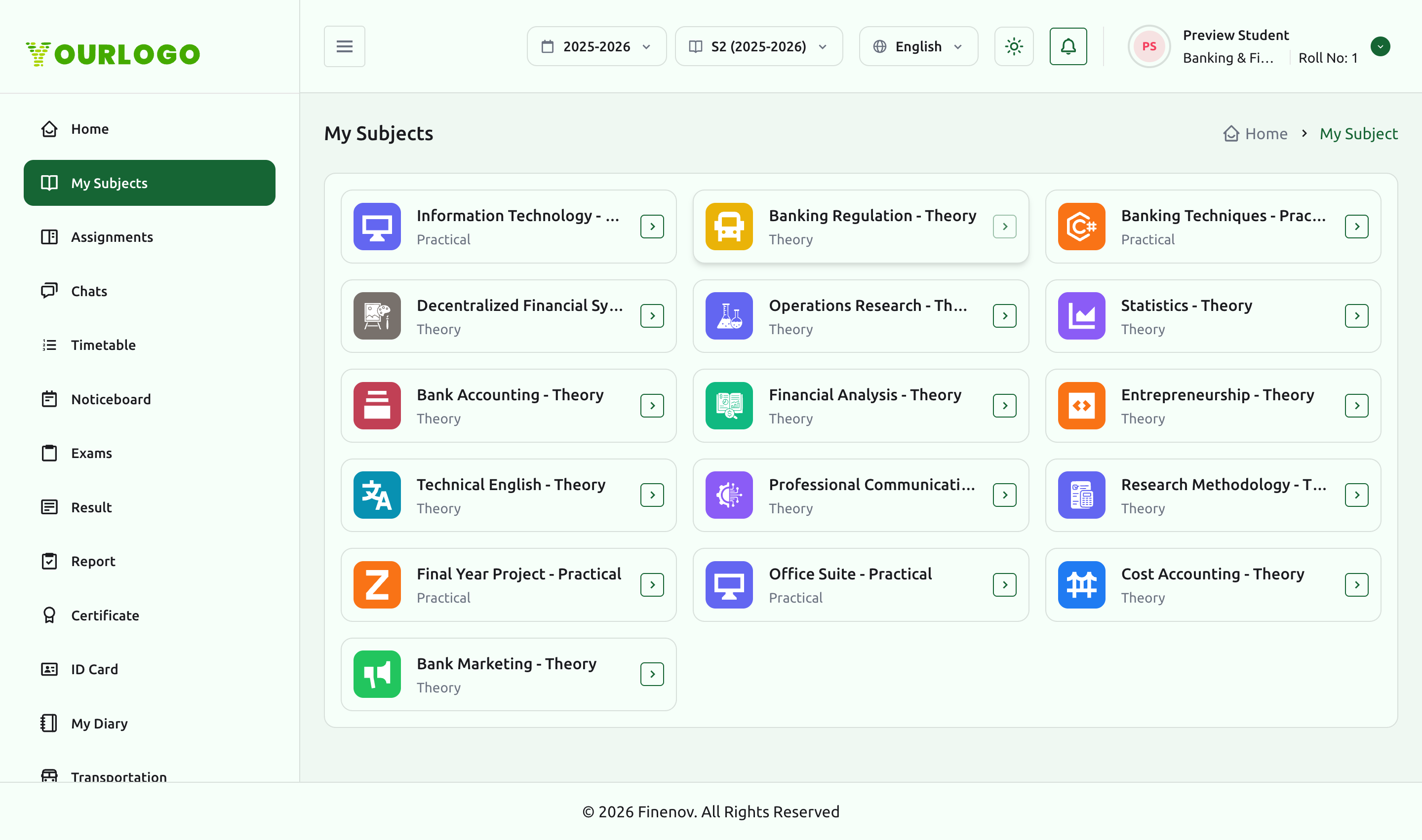
Click any subject card to open its detail page.
Chapters (lessons)
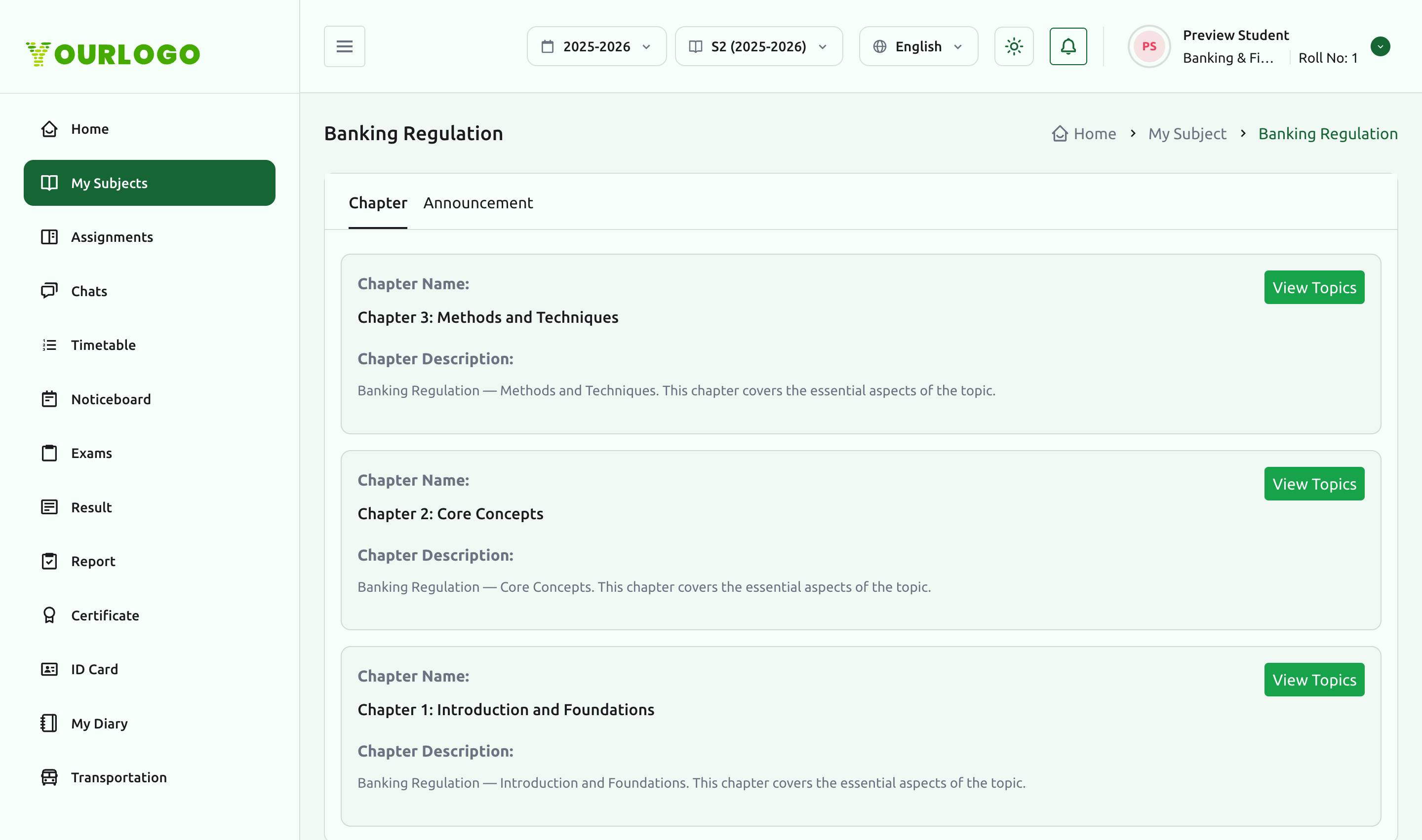
A subject's detail page lists its chapters — the lessons that make up the course. Each chapter shows a name and description, and a View Topics action. A Chapter / Announcement tab switch lets you read chapter content or any subject-level announcements posted by the teacher.
Topics & study materials
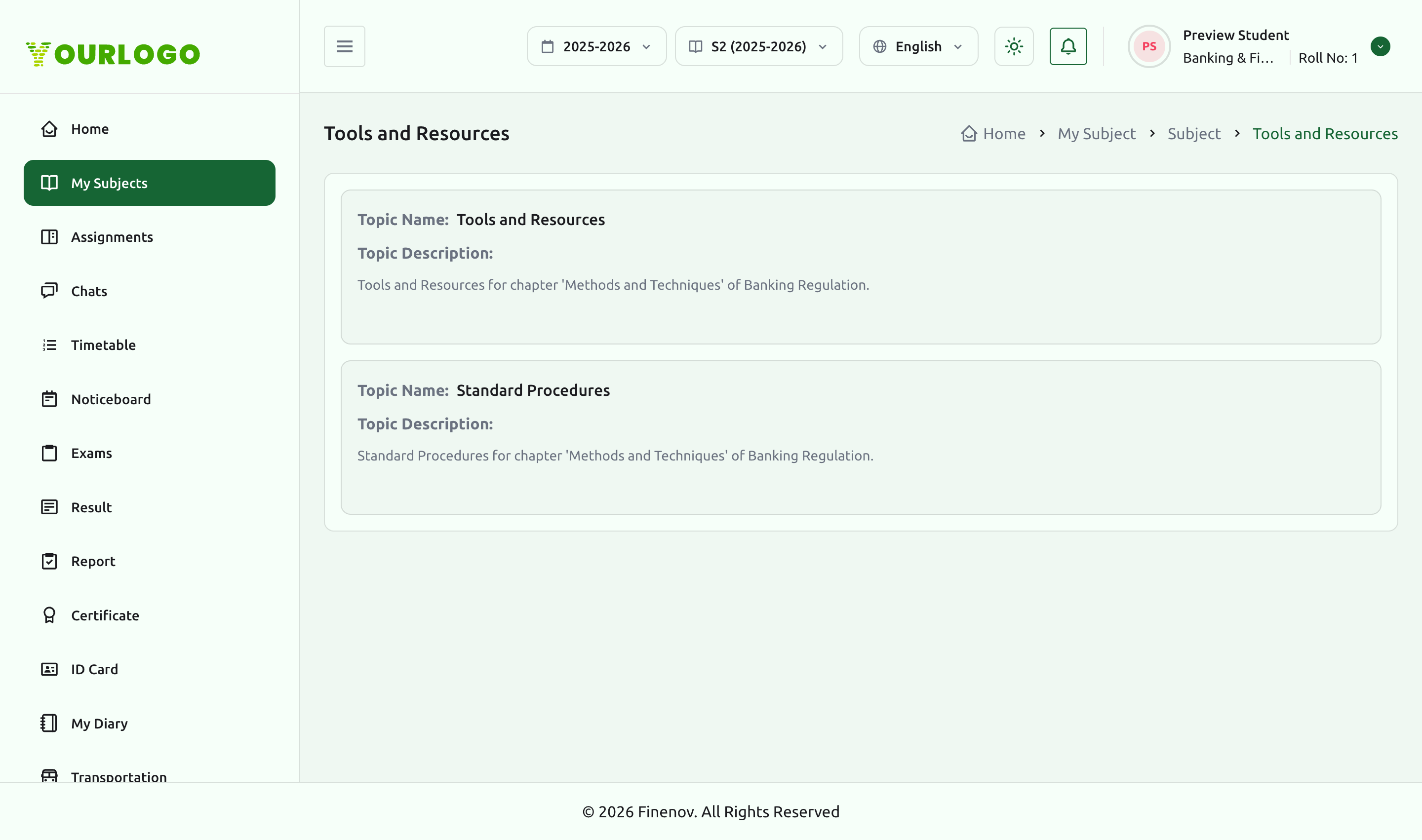
Inside a chapter, the Topics view lists each topic with a name and description. Any study materials a teacher has attached to a topic are available here for you to read or download.
Choosing elective subjects
When your class includes elective groups, the portal prompts you with a Choose Your Elective Subjects dialog. Each group tells you how many subjects to pick (for example, Select any 2 subjects). Your selection is saved and then reflected throughout the portal — in My Subjects, timetable, assignments, exams, and results.
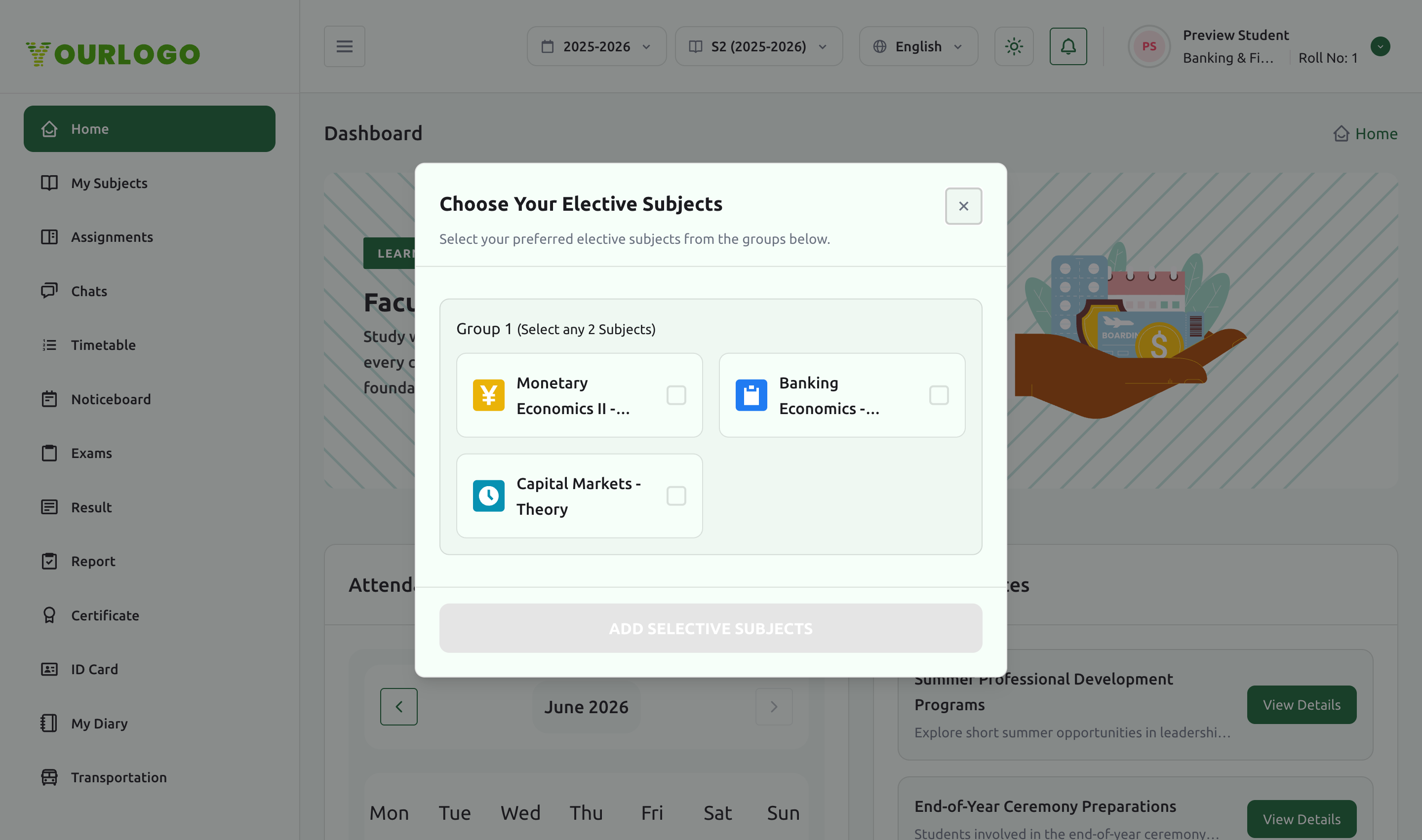
Elective choices affect your timetable and assessments. If you are unsure, check with your class teacher or academic coordinator before confirming.
Related pages
- Assignments — coursework set per subject
- Exams & Results — offline and online exams, results, and reports
- Attendance & Timetable — your weekly subject schedule