Profile & Certificates
This page groups the portal's personal and reference sections: your Profile, Guardian Details, ID Card, Certificate, the Teachers directory, the Gallery, and the static information pages (Privacy Policy, Terms & Condition, About Us, Contact Us).
My Profile
My Profile shows your student record: name and photo, GR Number, class and medium, roll number, date of birth, gender, addresses, emergency contact, previous school, and your school name.
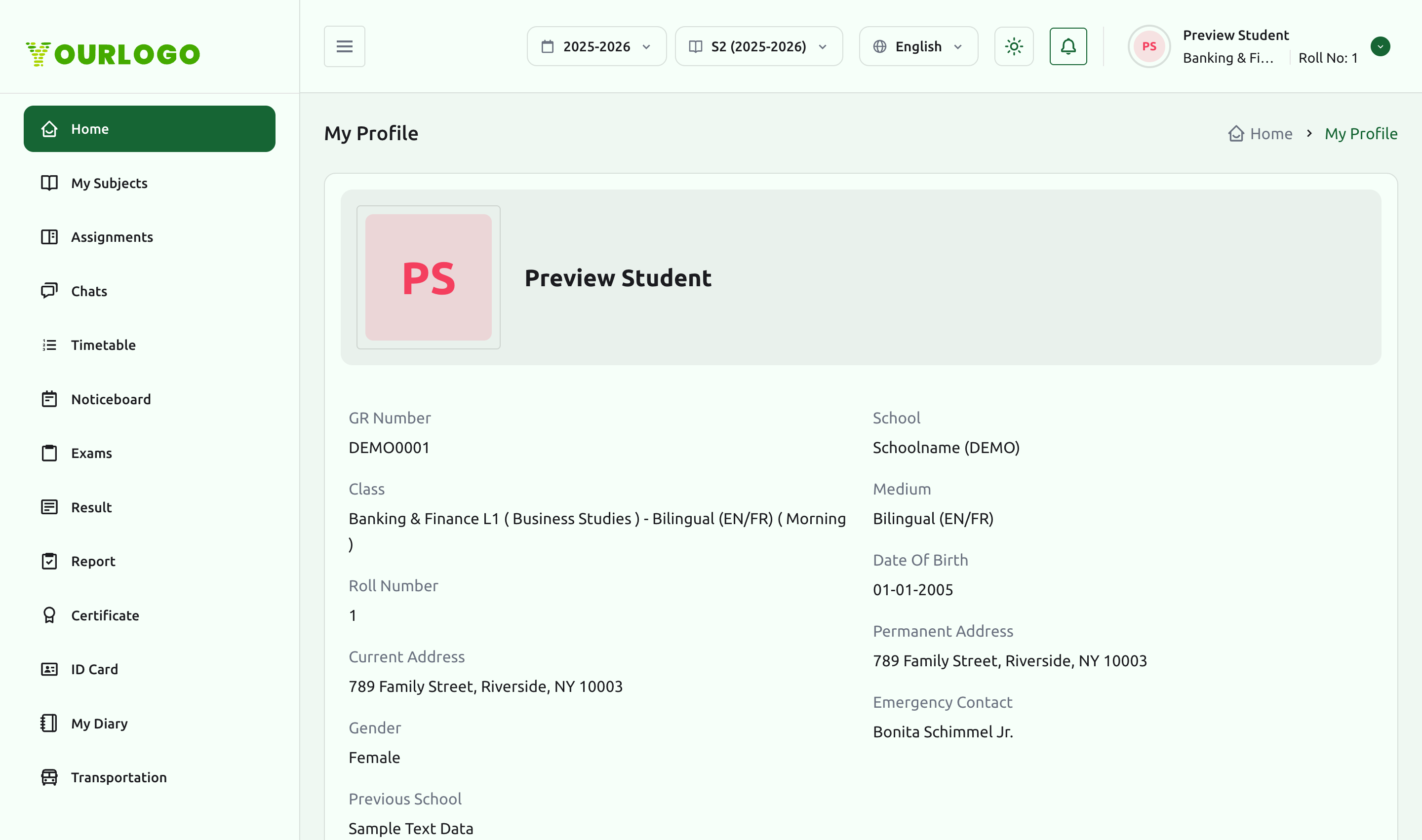
Profile fields are maintained by the school. If something is incorrect, ask your school administrator to update it from the web admin panel.
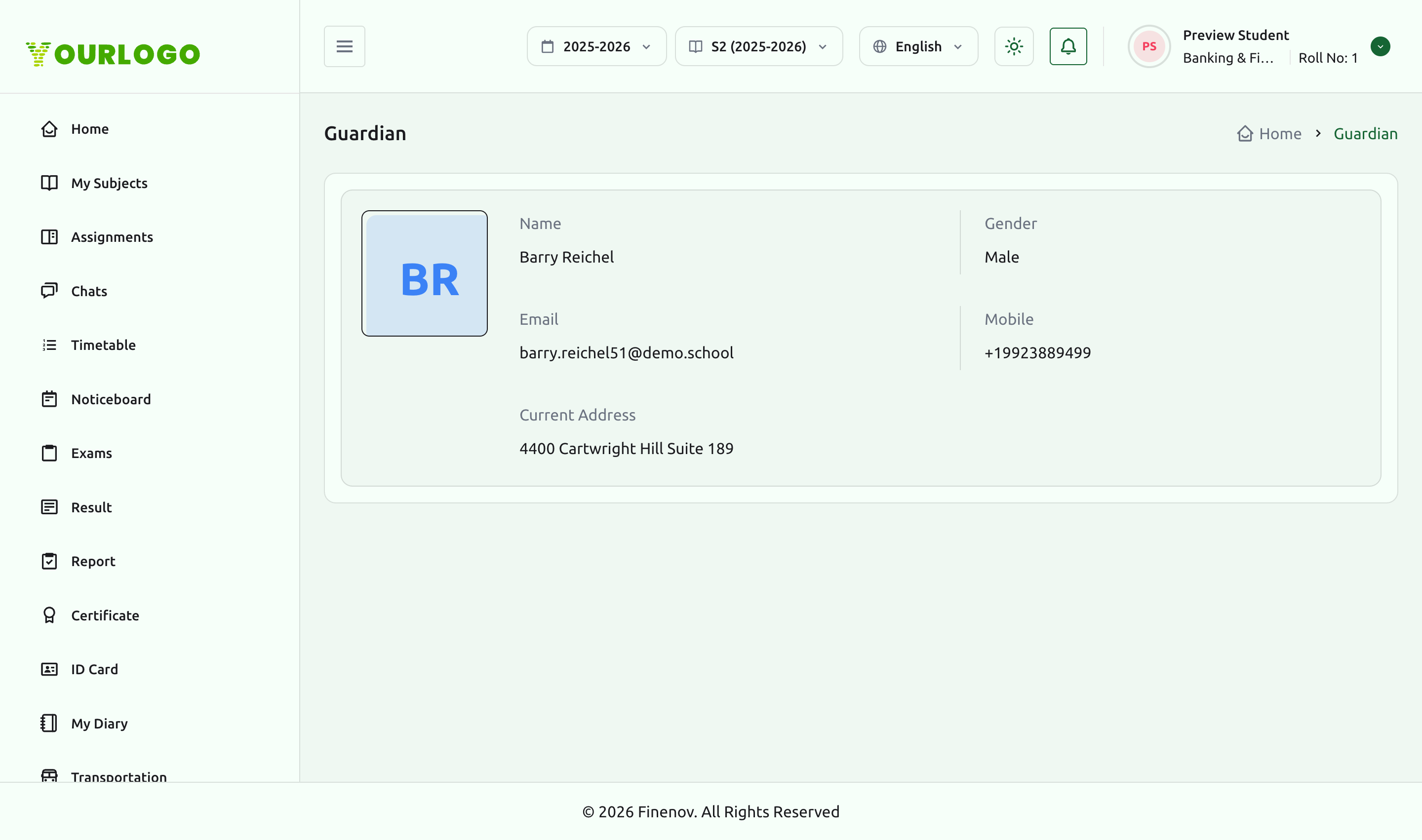
Guardian Details
Guardian Details shows the contact your school has on file for you — name, gender, email, mobile, and address.
ID Card
The ID Card page lets you view or download your student ID card as a PDF.
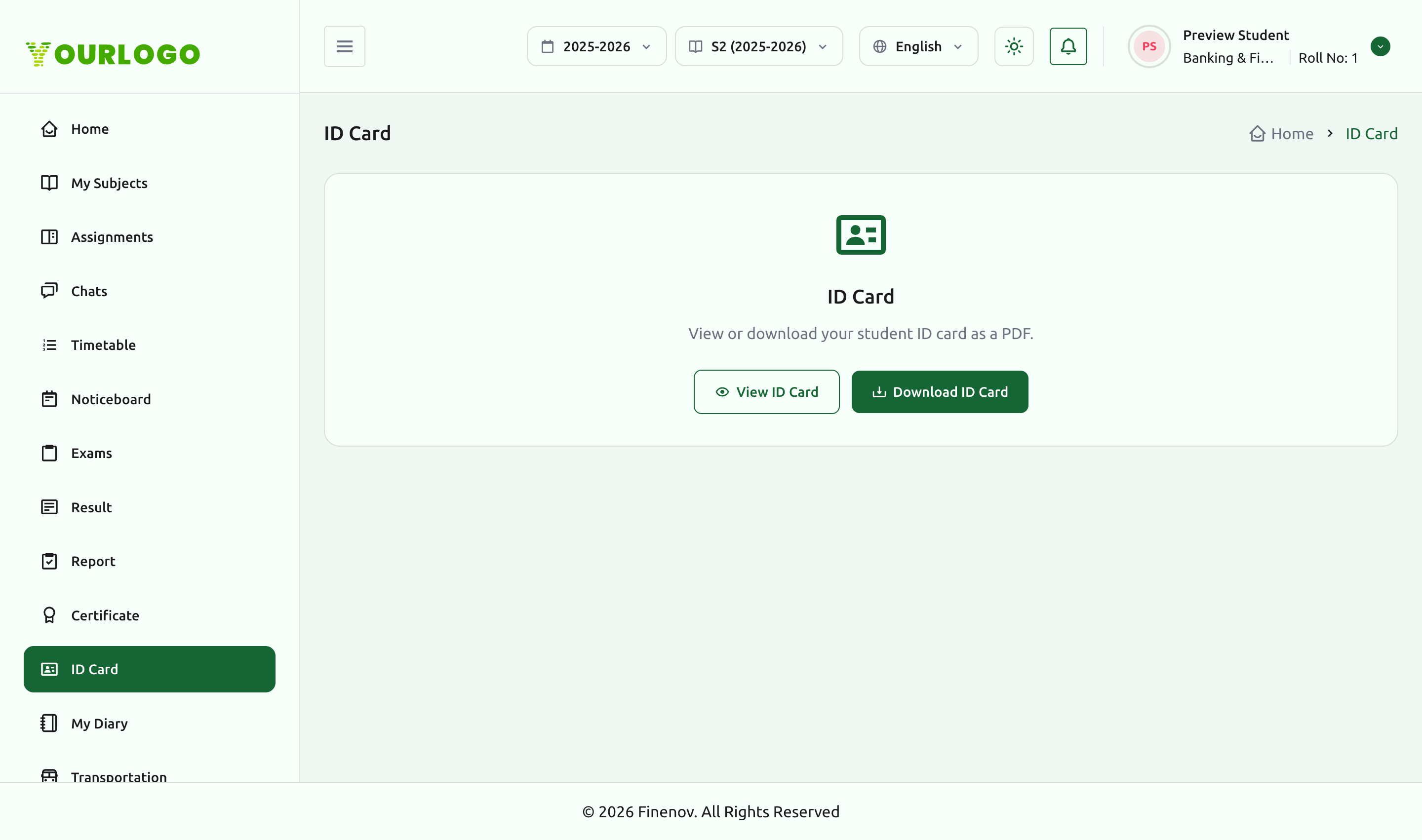
ID Card and Certificate appear when ID Card – Certificate Generation is enabled.
Certificate
The Certificate page lets you generate and download eligible certificates as PDFs (for example a bonafide or study certificate), based on the templates your school has configured.
Certificate generation depends on the templates your school has set up and on the ID Card – Certificate Generation feature being enabled.
Teachers
The Teachers directory lists the teachers for your class, each with the subject(s) they teach.
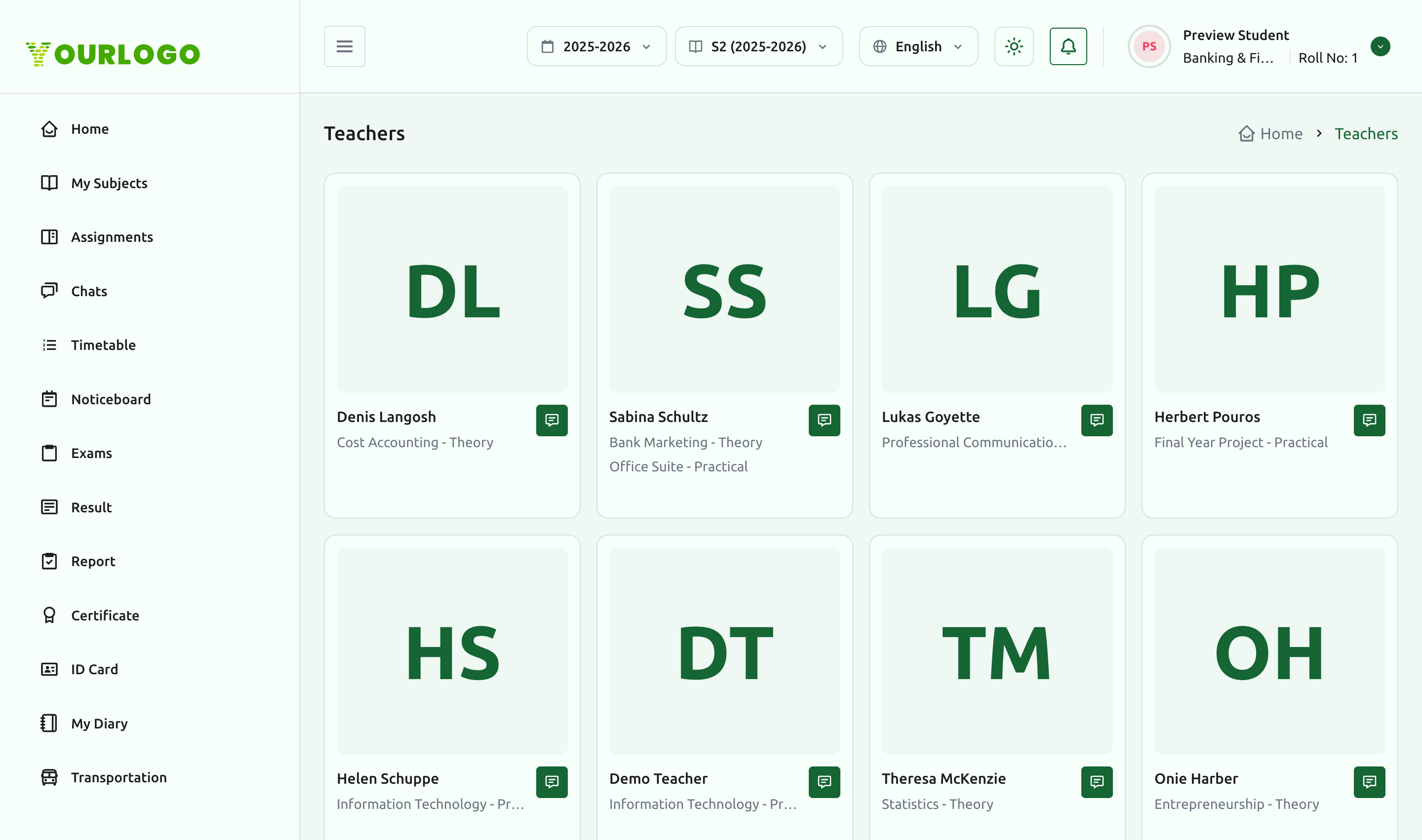
The Teachers section appears when Teacher Management is enabled.
Gallery
The Gallery presents the school's photo albums for the selected session year, each album showing its name and photo count. Open an album to browse its photos.
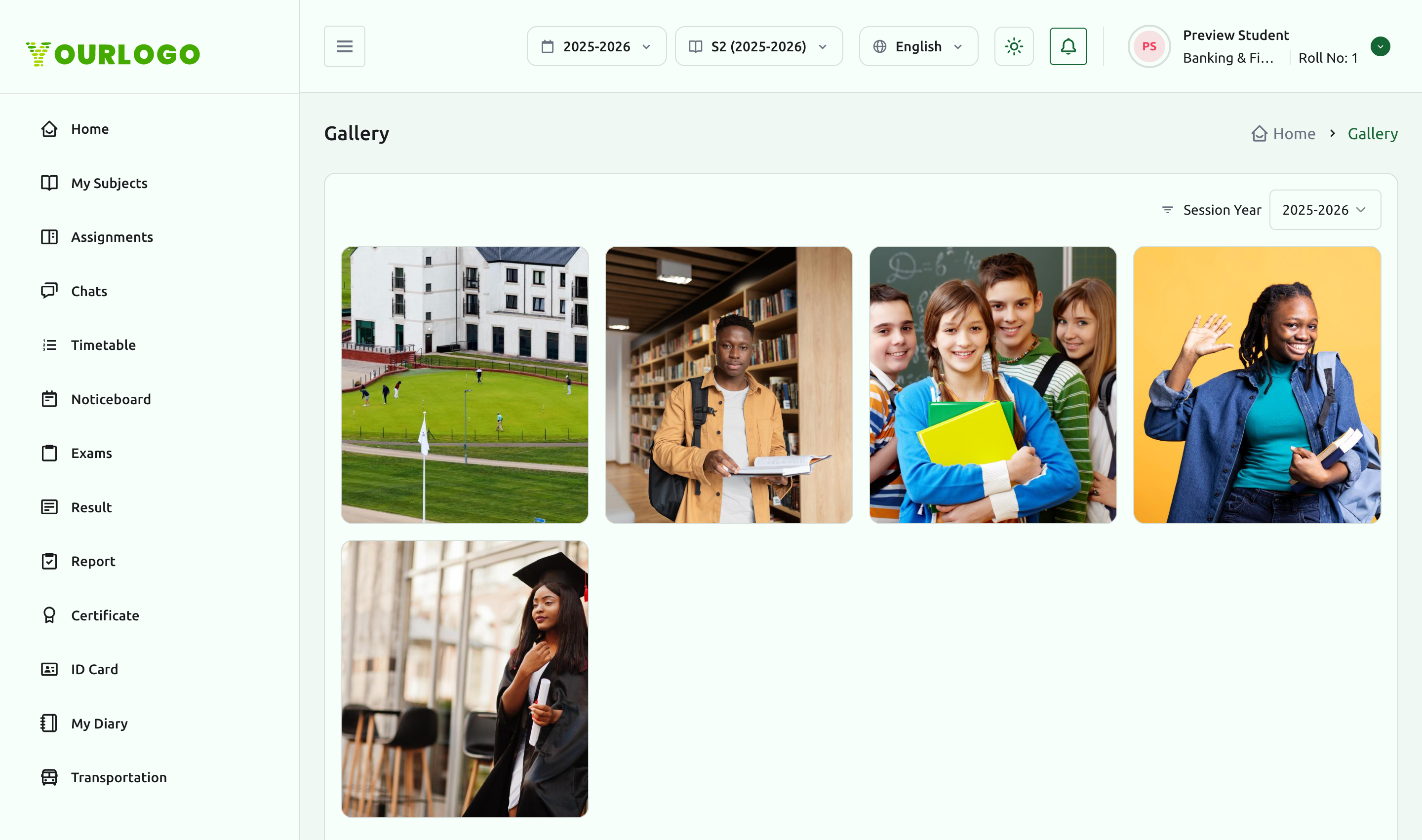
The Gallery appears when School Gallery Management is enabled.
Information pages
The sidebar also includes the school's standard information pages, always available:
- Privacy Policy — how the school handles your data
- Terms & Condition — the terms of using the portal
- About Us — about your school
- Contact Us — how to reach the school
Related pages
- Student Portal Overview — the top-bar profile menu and personalization
- Chats & Notices — message teachers listed in the directory
- Subjects & Lessons — the subjects your teachers teach