Fees & Payments
The student web portal is read-only for finance — it does not collect tuition or general school fees. Online fee payment (with installments and gateways such as Stripe, Razorpay, MoMo, and Orange Money) is handled in the Parent App, and fees are managed by staff in the web admin panel. The one finance-related view inside the student portal is your transport plan fees and payment history.
Tuition and general fees are paid in the Student & Parent App → Fees & Payments, or in person according to your school's process. Administrators manage and record fees from the Fees section of the web admin panel.
Transport plan fees & payment history
If you use school transport, the Plan History page (under Transportation) lists each of your transport plans with its fee and payment details. Every plan shows a status badge — for example Active, Upcoming, or Expired — together with the plan's key details: duration, validity, route, shift, pickup stop, fee, and payment mode.
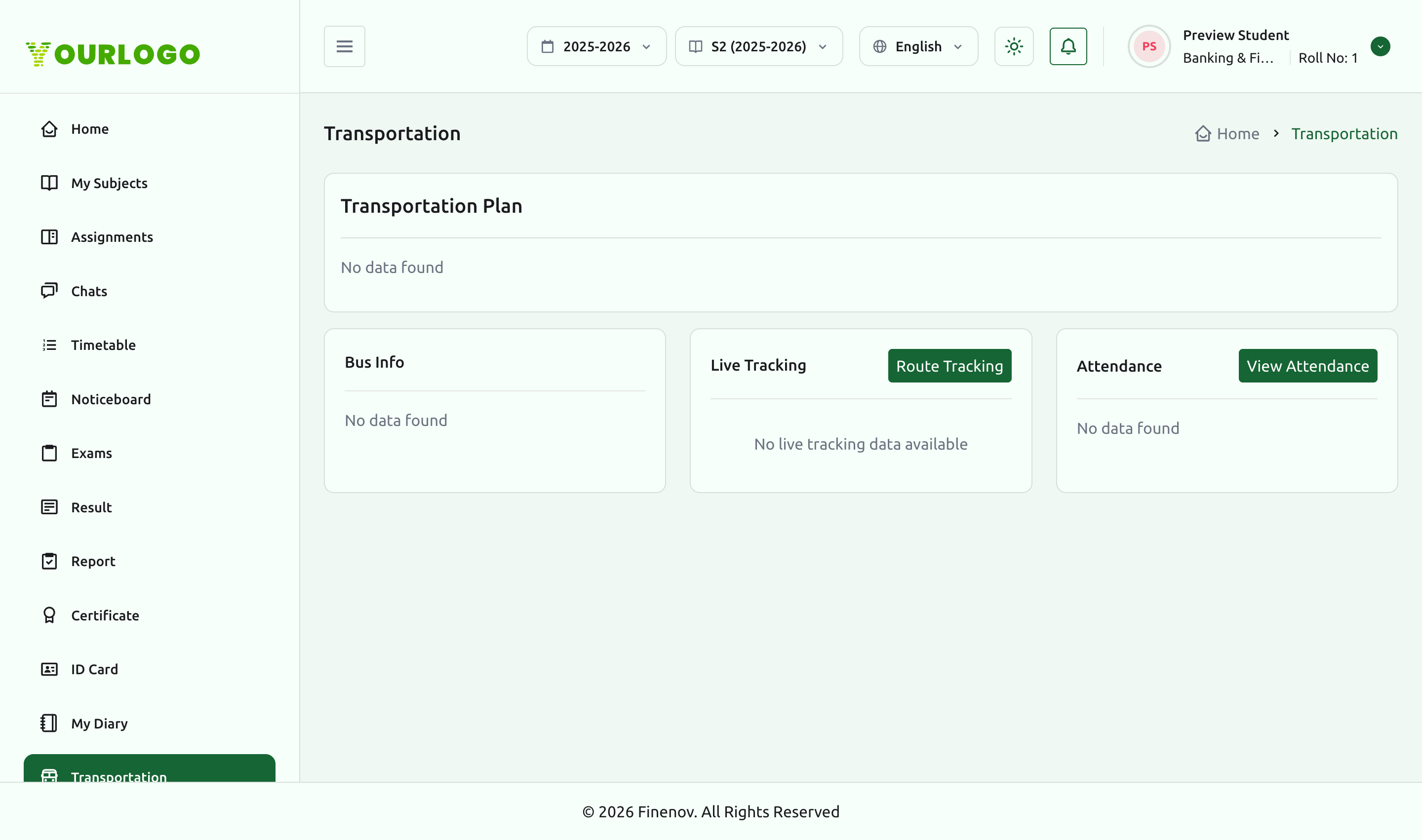
The plan history is populated only if your school has assigned you a transport plan and the Transportation Module is enabled. With no plan, the page shows an empty state.
For the full transport experience — current plan, bus info, live tracking, and transport attendance — see the Transportation page.
Related pages
- Transportation — current transport plan, bus info, and live bus tracking
- Student & Parent App — Fees & Payments — pay tuition and fees online
- Fees — Student Fees — how administrators manage and record fees