Admission Inquiries
Admission Inquiries lists all student applications submitted through your school's public online admission form. Parents fill in student and guardian details on the website, and the application appears here for your review. You can then approve or reject each application individually or in bulk.
When a parent submits the online admission form on your school website, the system creates a pending student record with application_type = online and application_status = pending. The student account remains inactive until an admin approves it from this page.
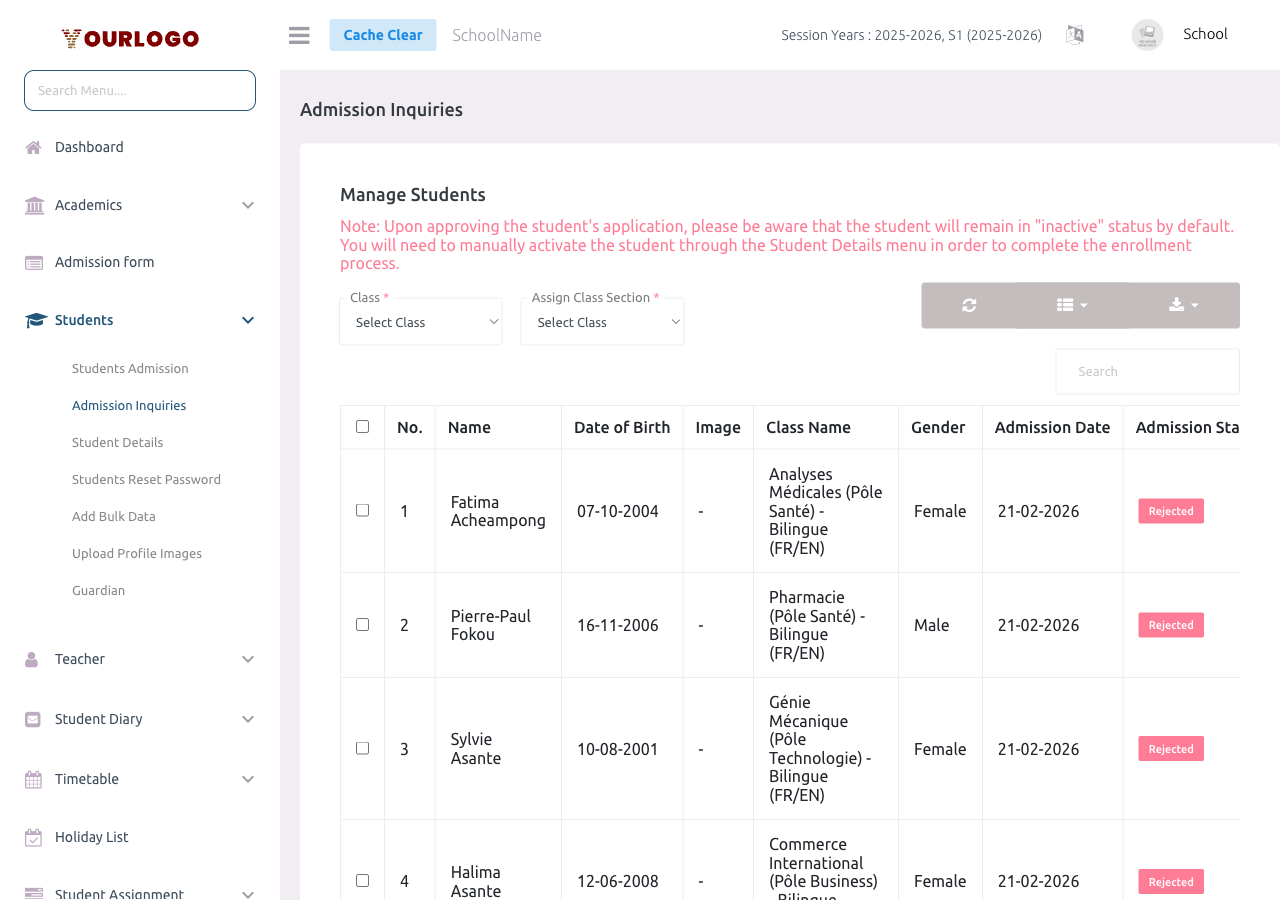
Approve an Application
Single Approval
Bulk Approval
Unlike the offline admission form where you select a class section directly, online applications only specify a class. When approving, you must assign the specific section (e.g., Section A, Section B).
Reject an Application
Single Rejection
Bulk Rejection
Application Status Flow
| Status | Meaning |
|---|---|
| Pending | Application submitted, awaiting admin review |
| Approved | Application accepted — student account activated, appears in all modules |
| Rejected | Application declined — student remains inactive |
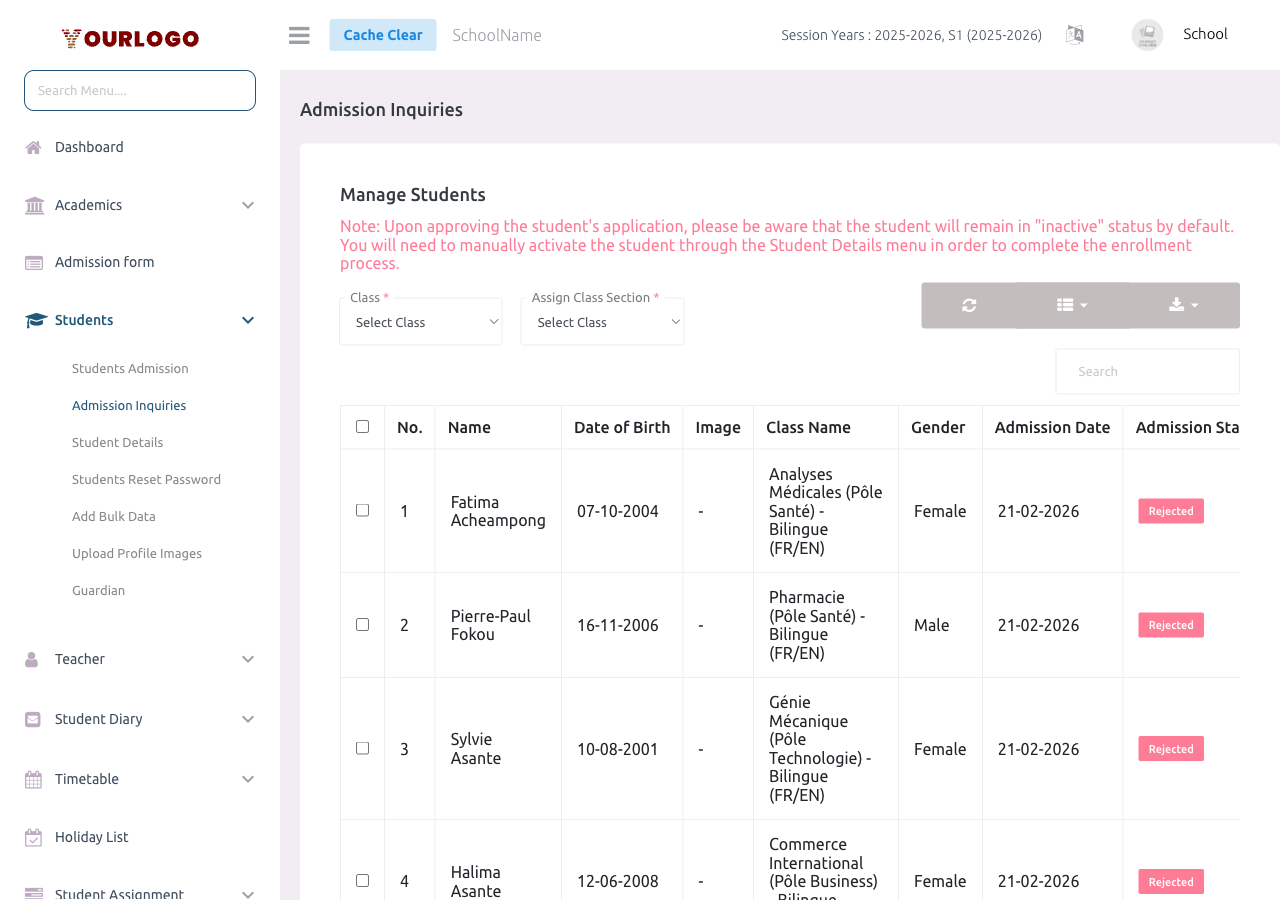
Online Admission Form Setup
For parents to submit applications, your school must have:
The online form collects:
- Student: First name, Last name, Mobile, Gender, Image, Date of Birth
- Academic: Class (not section — section is assigned on approval)
- Guardian: Email, First name, Last name, Mobile, Gender, Image
- Custom Fields (if configured)
Related Pages
- Student Admission — Admit students directly (offline)
- Student Details — View all approved students
- Web Settings — Content — Configure school website and admission form
- System Settings — Third-Party APIs — Configure reCAPTCHA for the admission form