Refund & Cancellation
The Refund & Cancellation page lets you define your school’s policy for fee refunds and payment cancellations. This content is displayed to parents in the student app and on the school website, providing transparency about financial policies.
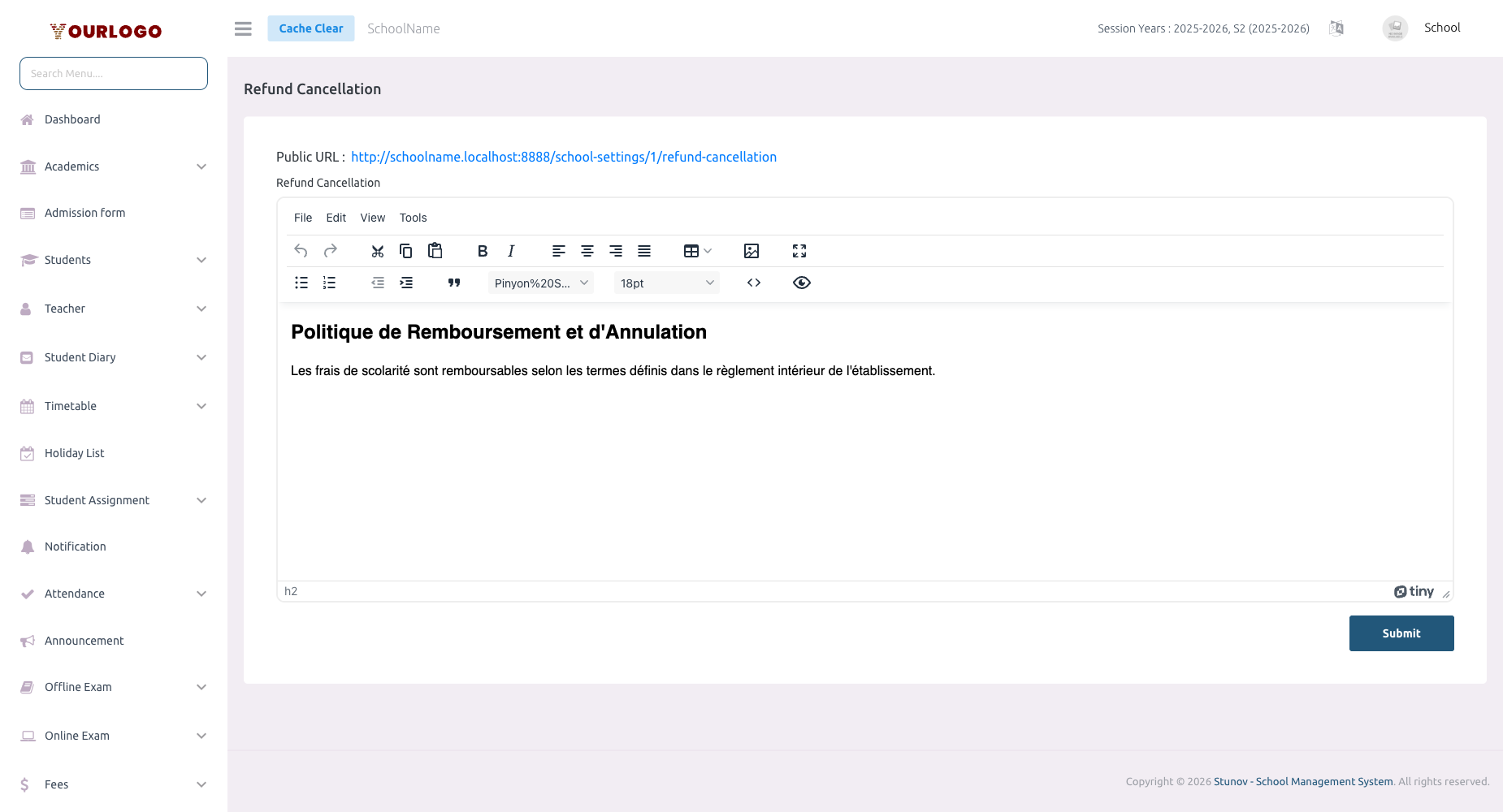
Refund & Cancellation — define your school’s financial refund policy
Update Refund & Cancellation Policy
1
Navigate to System Settings → Legal Pages → Refund Cancellation
From the sidebar, expand **System Settings → Legal Pages** and click **Refund Cancellation**.
2
Edit the policy content
Use the **rich text editor** to write or update your refund and cancellation policy.
3
Submit
Click **Submit** to save. The updated policy is immediately available across all platforms.
Recommended Sections
| Section | Description |
|---|---|
| Eligibility | Which payments are eligible for refunds (e.g., tuition, transport, optional fees) |
| Timeframe | Deadlines for requesting refunds (e.g., within 30 days of payment) |
| Partial refunds | Conditions for partial refunds (e.g., pro-rated based on enrollment duration) |
| Non-refundable items | Fees that are never refundable (e.g., registration fees, exam fees) |
| Cancellation process | Steps for parents to request a cancellation or withdrawal |
| Processing time | How long refunds take to process (e.g., 7-14 business days) |
| Refund method | How refunds are issued (original payment method, school credit, etc.) |
| Contact information | Who to contact for refund requests |
Where This Appears
- Student/Parent App — Accessible from the app settings and displayed during fee payment
- School Website — Linked in the footer alongside privacy policy and terms
- Fee payment screens — Referenced when parents are making online payments
Related Pages
- Privacy Policy — Your school’s data privacy policy
- Terms & Conditions — General terms of service
- Fees — Fee structure and management
- Payment Settings — Payment gateway configuration