Assign Elective Subject
When a class has elective subject groups configured (via Class Subject), you need to assign specific elective subjects to each student. This page allows you to select students from a class section and assign them their chosen elective subjects.
An elective group offers a pool of subjects (e.g., Art, Music, Drama, Sports) with a defined maximum number of selections (e.g., "pick 2 out of 4"). Each student must be assigned their choices individually.
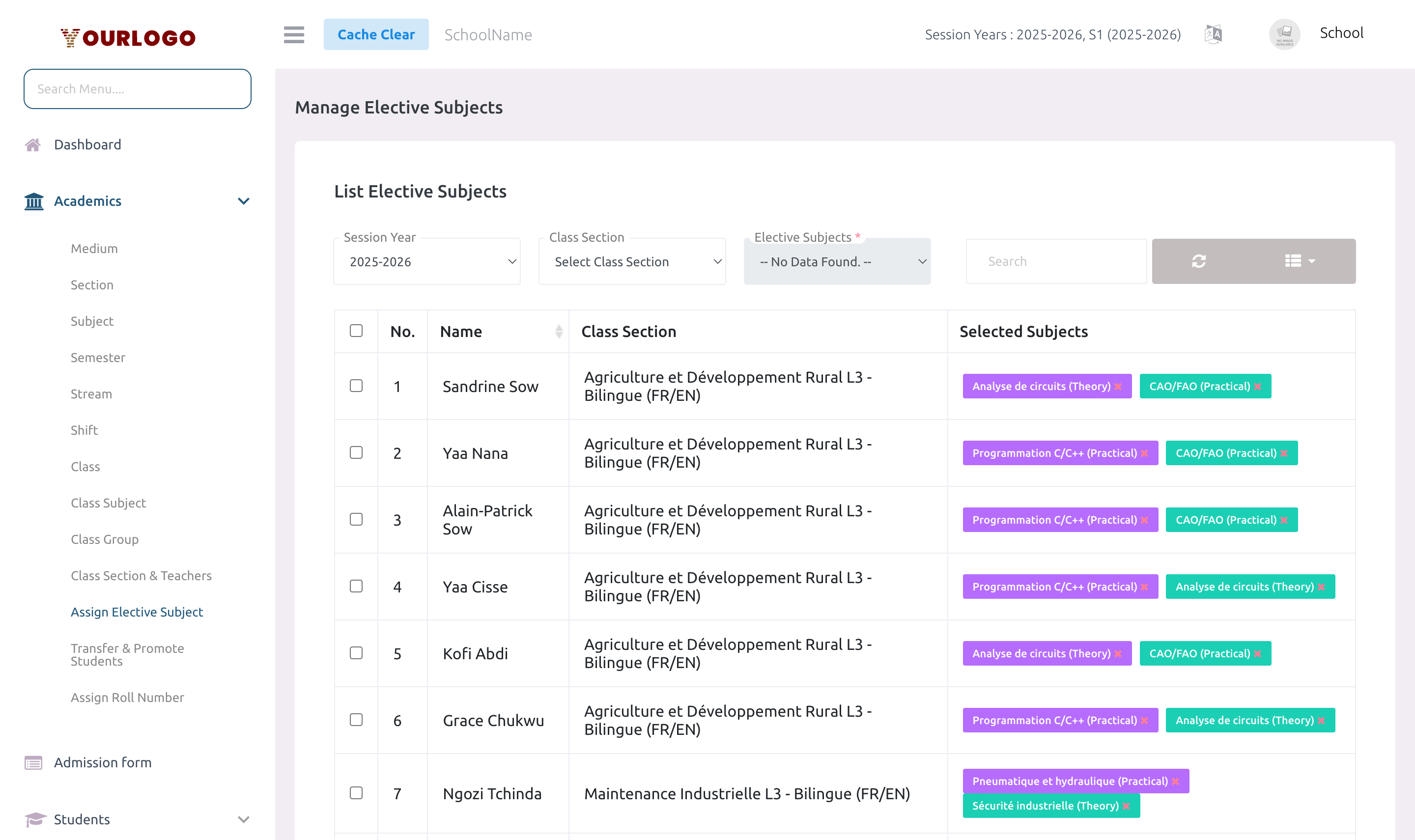
Assign Elective Subjects to Students
Form Fields
| Field | Type | Required | Description |
|---|---|---|---|
| Class Section | Dropdown | Required | The class section containing the students. |
| Elective Subject | Dropdown | Required | The specific elective subject to assign. Shows subjects from the class's elective groups. |
| Session Year | Dropdown | Required | The active session year for this assignment. |
| Students | Checkbox list | Required | Select one or more students to receive this elective subject. |
View Elective Assignments
After assigning, the list view shows all students with their current elective subject selections.
| Column | Description |
|---|---|
| No. | Row number |
| Student | Student name |
| Class Section | Class and section |
| Elective Subjects | All elective subjects assigned to this student |
| Session Year | Session year |
| Action | Delete button |
Duplicate Prevention
The system prevents duplicate assignments:
- If a student already has the maximum number of subjects from an elective group, the assignment is skipped
- If a student already has the exact same elective subject assigned, it is skipped
- A summary message shows how many students were assigned vs. skipped
Remove an Elective Assignment
Remove all elective subjects for a student
- Click the Delete button in the Action column
- Confirm the deletion
Remove a specific subject
- Click the Remove button next to the individual subject
- This removes only that subject from the student's selections
Staff App View
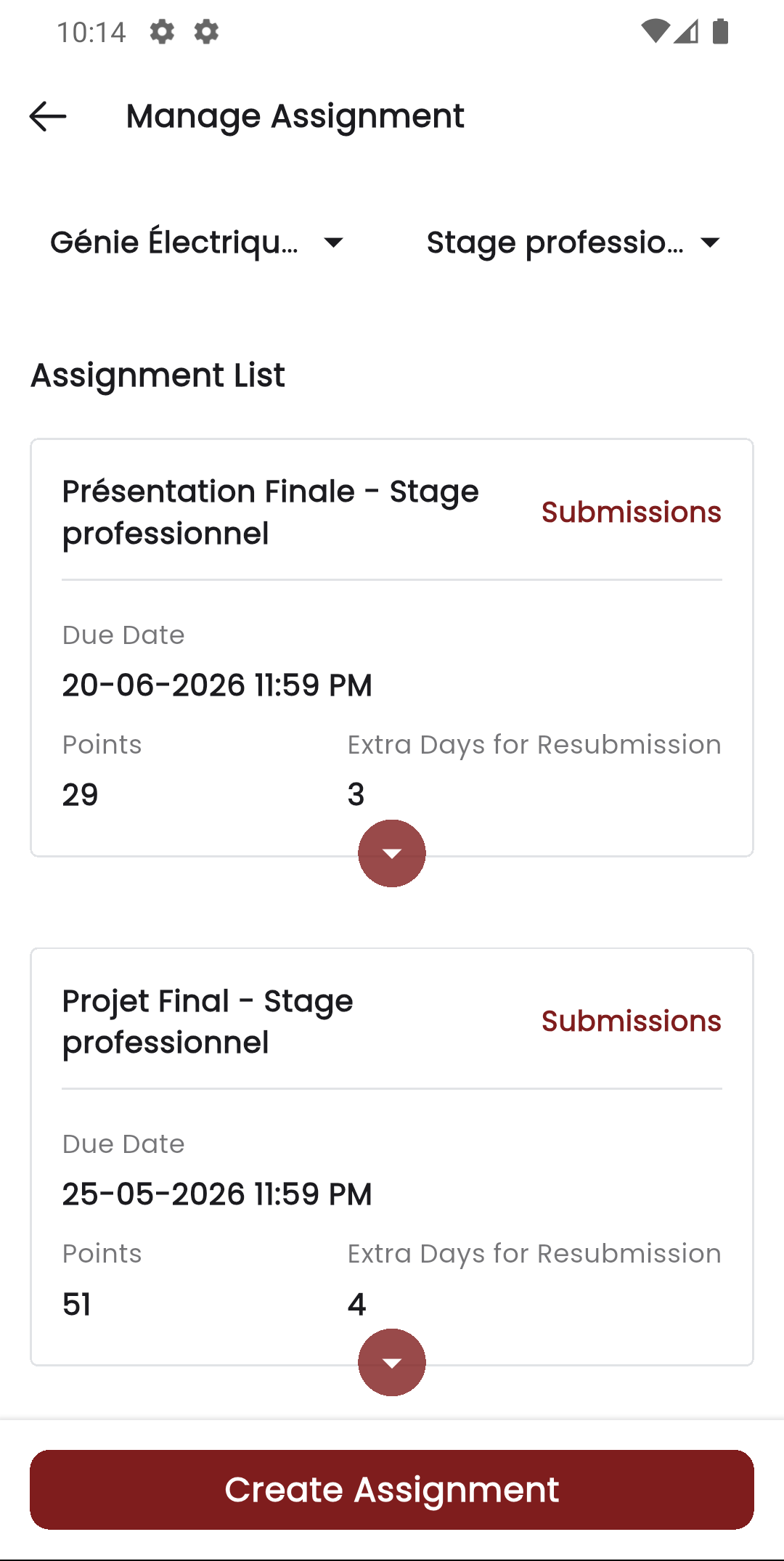
In the Stunov+ Staff app, teachers manage assignments per class section and subject. Elective subject assignments determine which students appear in the teacher's assignment lists for elective subjects.
Related Pages
- Class Subject — Configure elective subject groups per class
- Subject — Create subjects before assigning as electives
- Students — View a student's assigned subjects from their profile